

VERA Guide
Everything you need to get started with VERA — from account setup to verified credential exchanges.
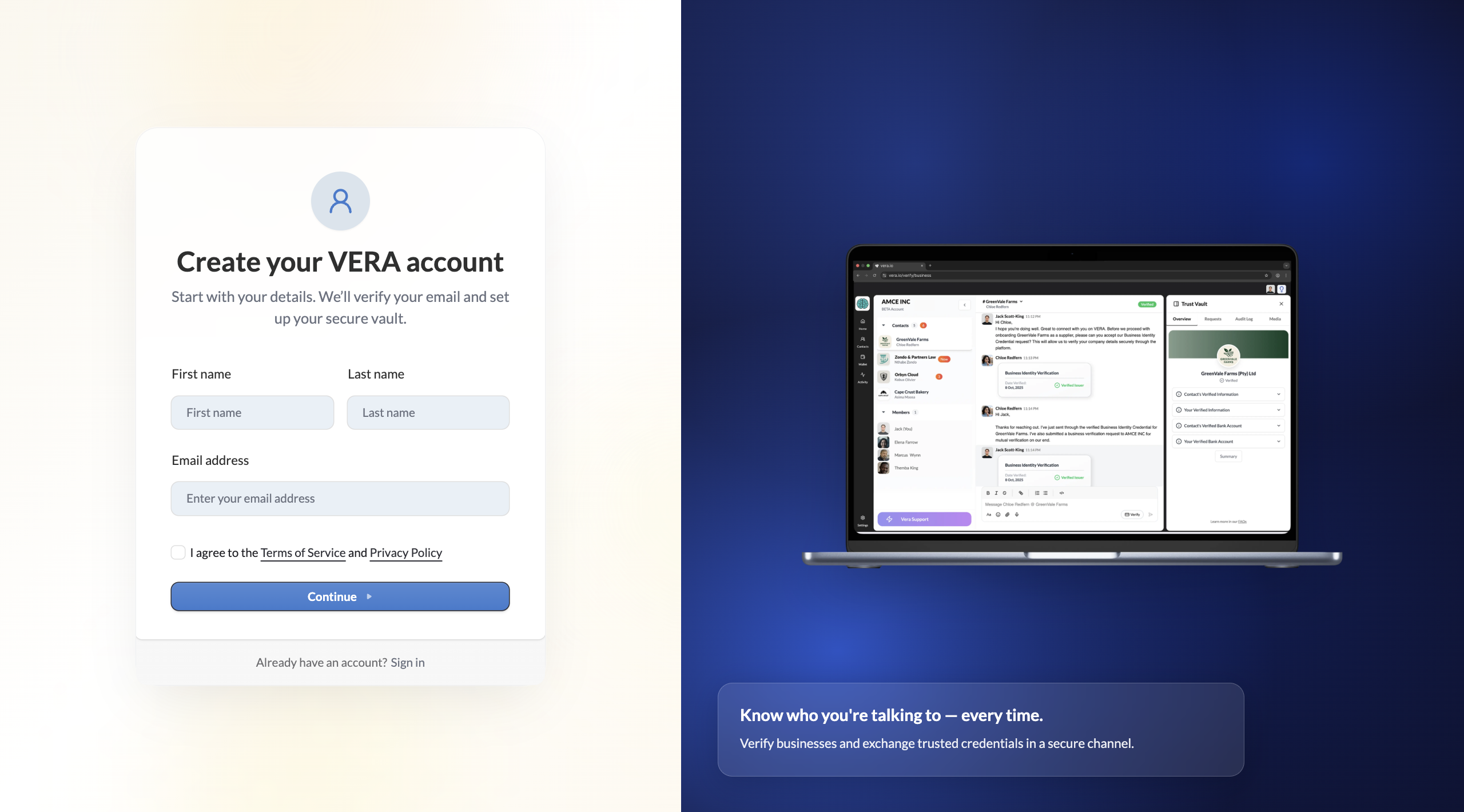
Create your account
Sign up, set your vault password, and save your recovery key.
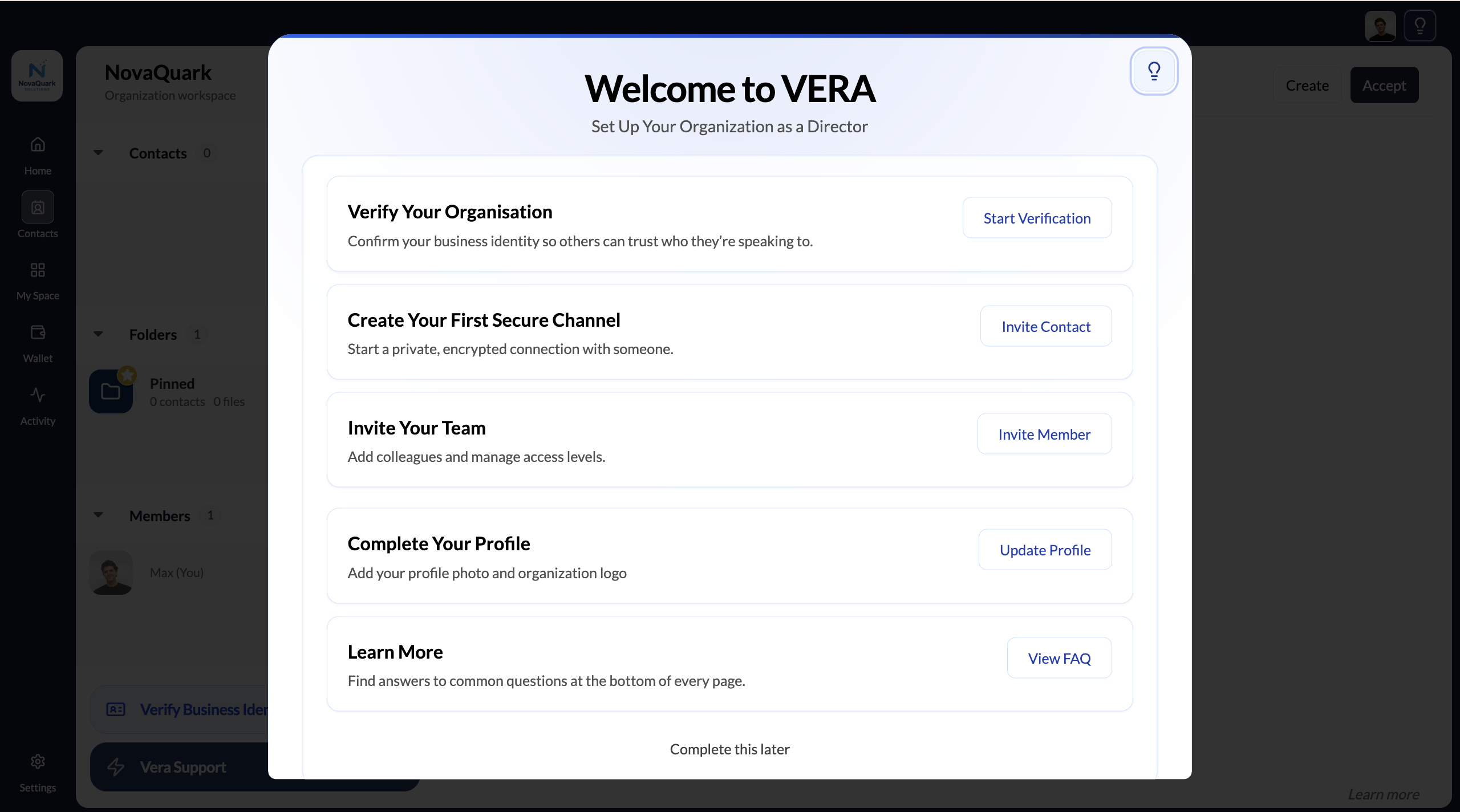
Set up your organisation
Create your organisation, upload your logo, and complete the onboarding checklist.
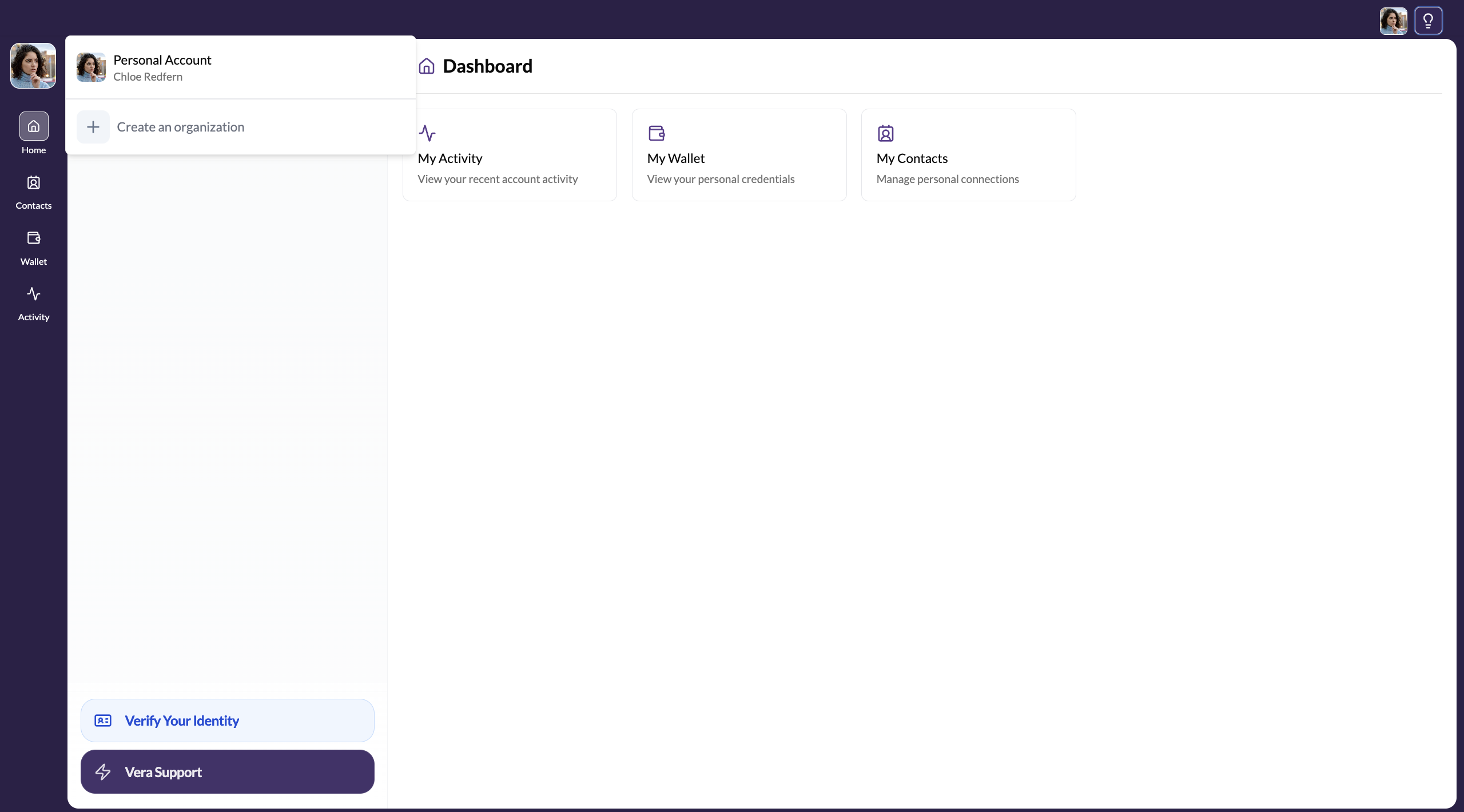
Set up your personal workspace
Add your profile photo and get your personal workspace ready.
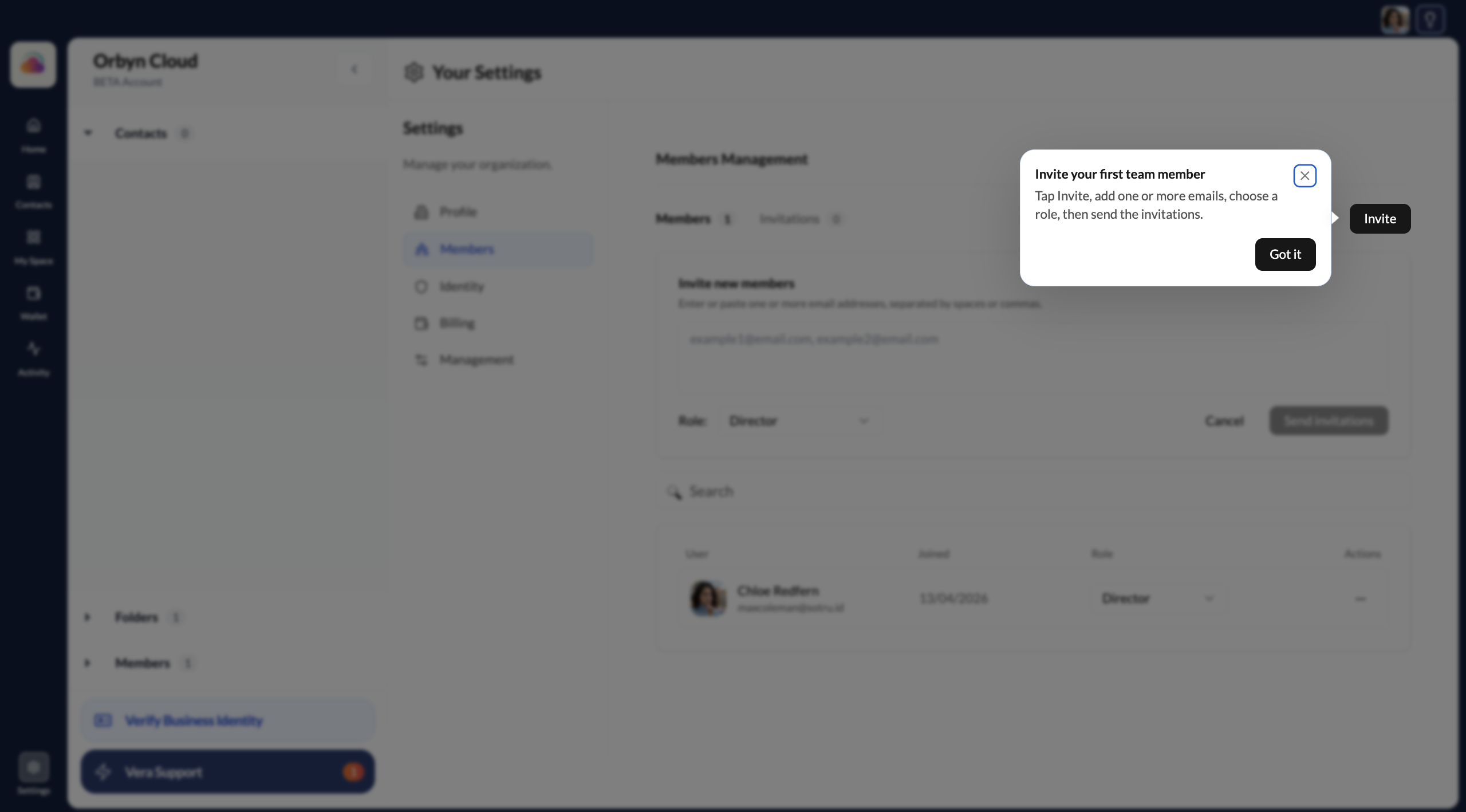
Add team members
Invite colleagues to your organisation and assign roles.

Join an organisation
What the invitation and onboarding process looks like from a new member's side.
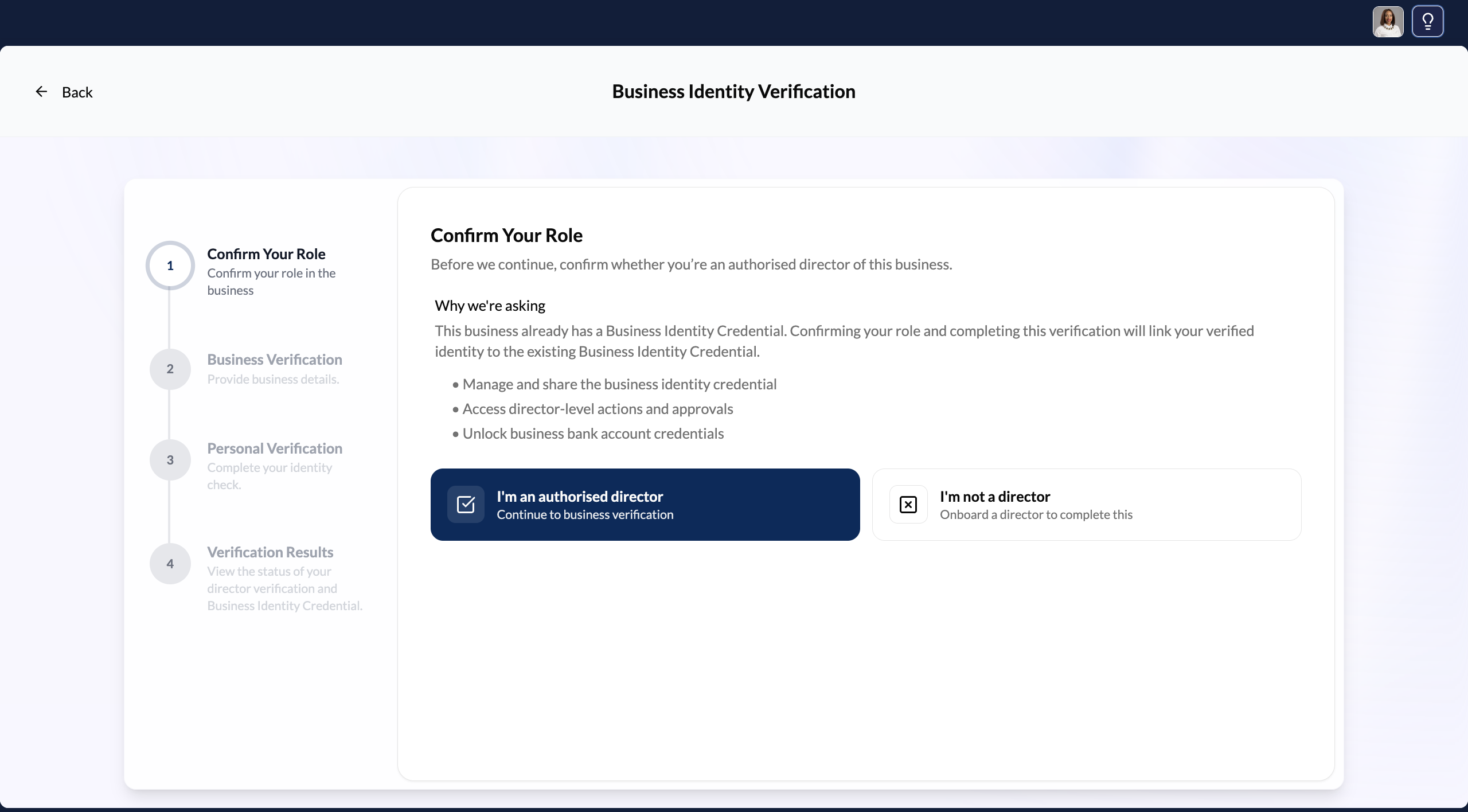
Verify your business identity
KYB for your organisation — confirm you're a registered South African entity.
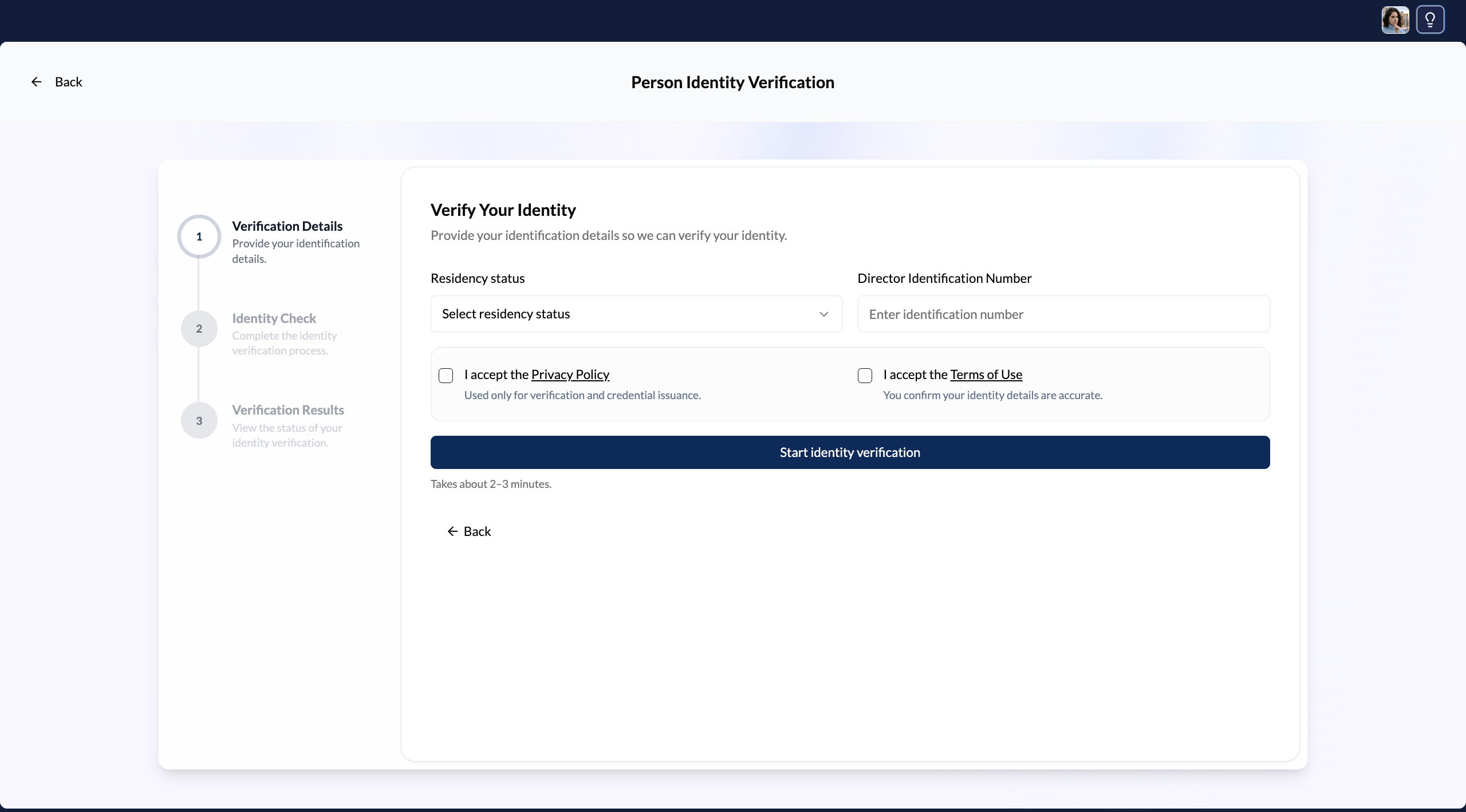
Verify your personal identity
Complete KYC in 2–3 minutes to earn your Person ID Credential.
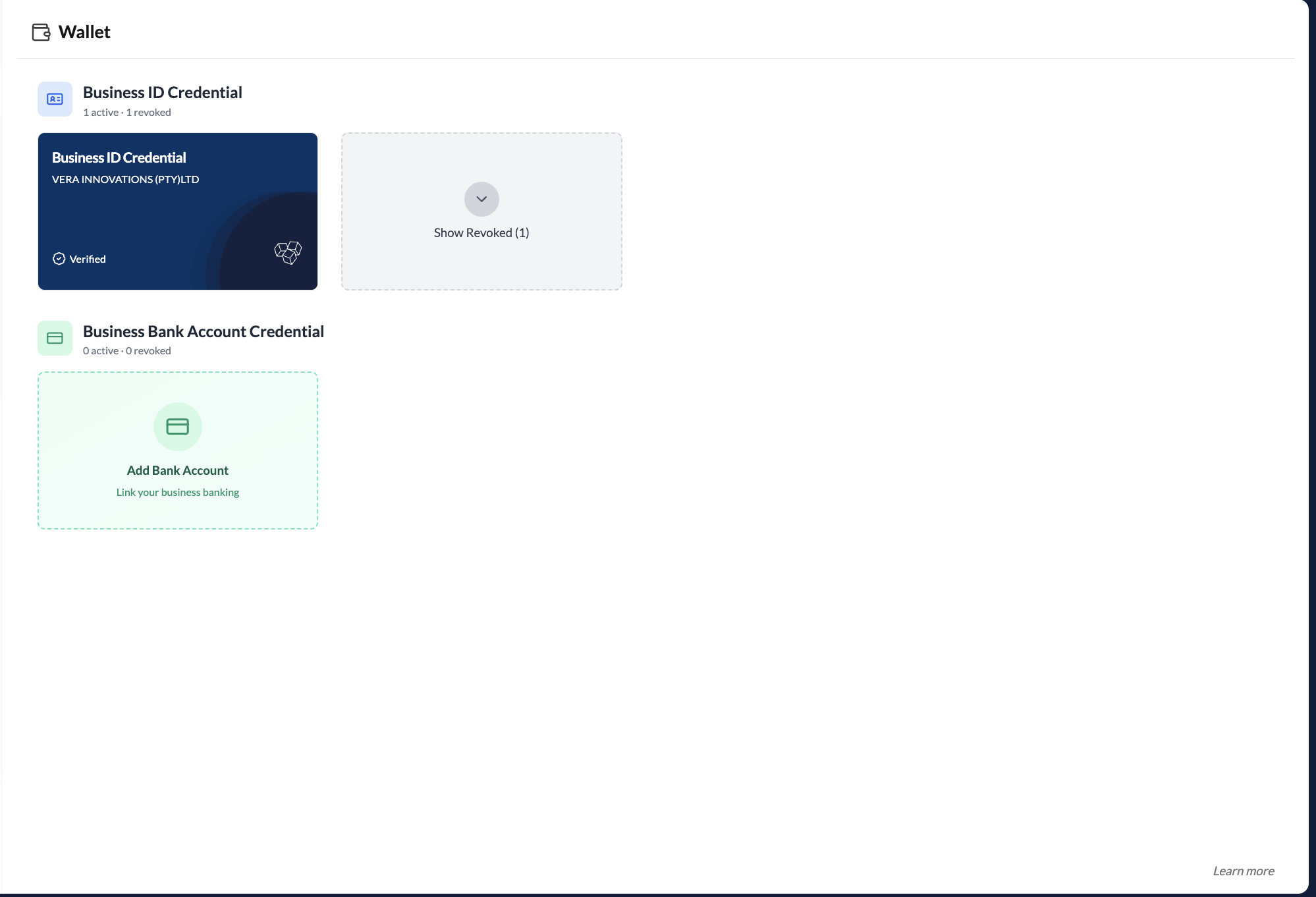
Your wallet
Where all your verified credentials live and how to use them.
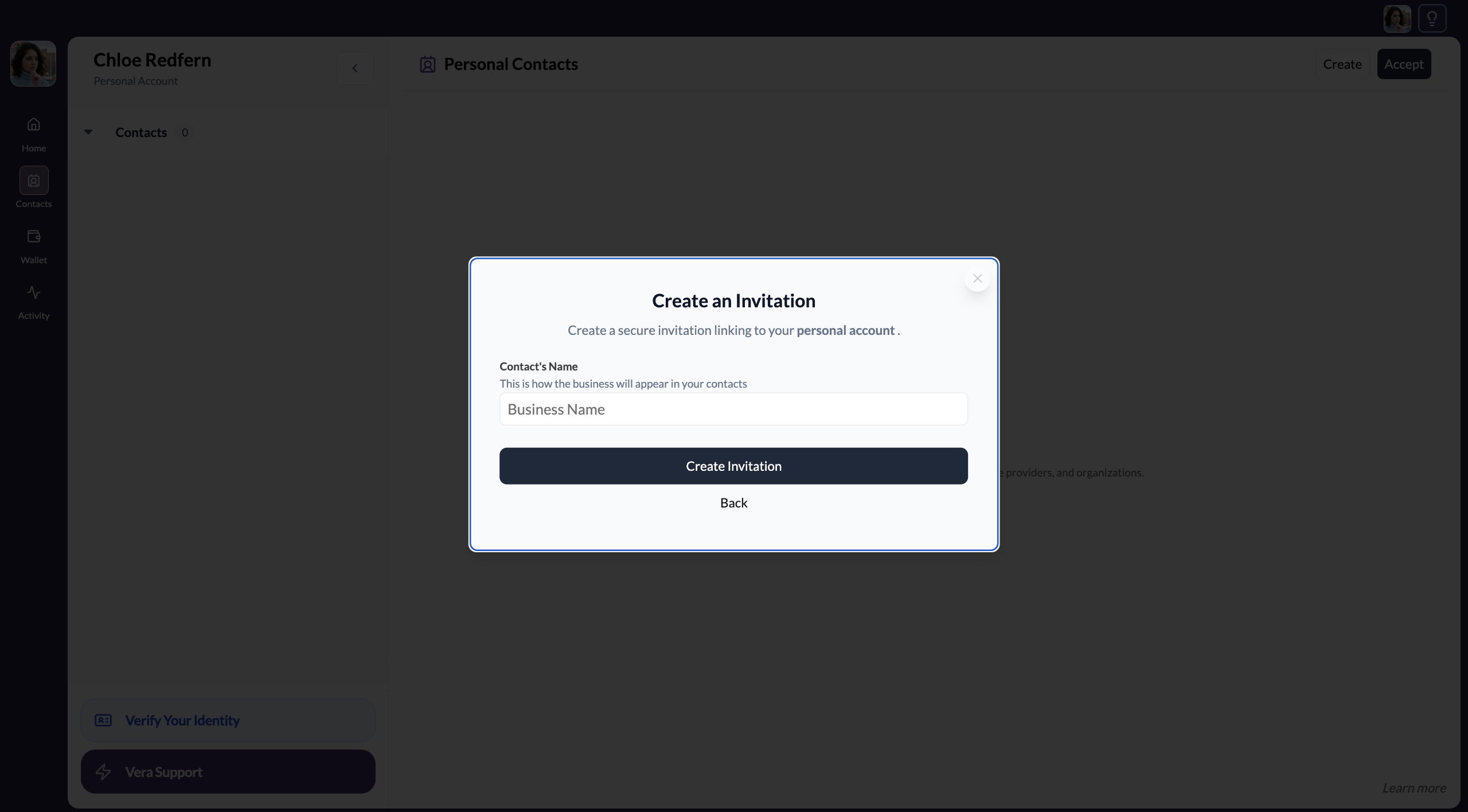
Invite a contact
Send a secure connection invitation to a business or individual.
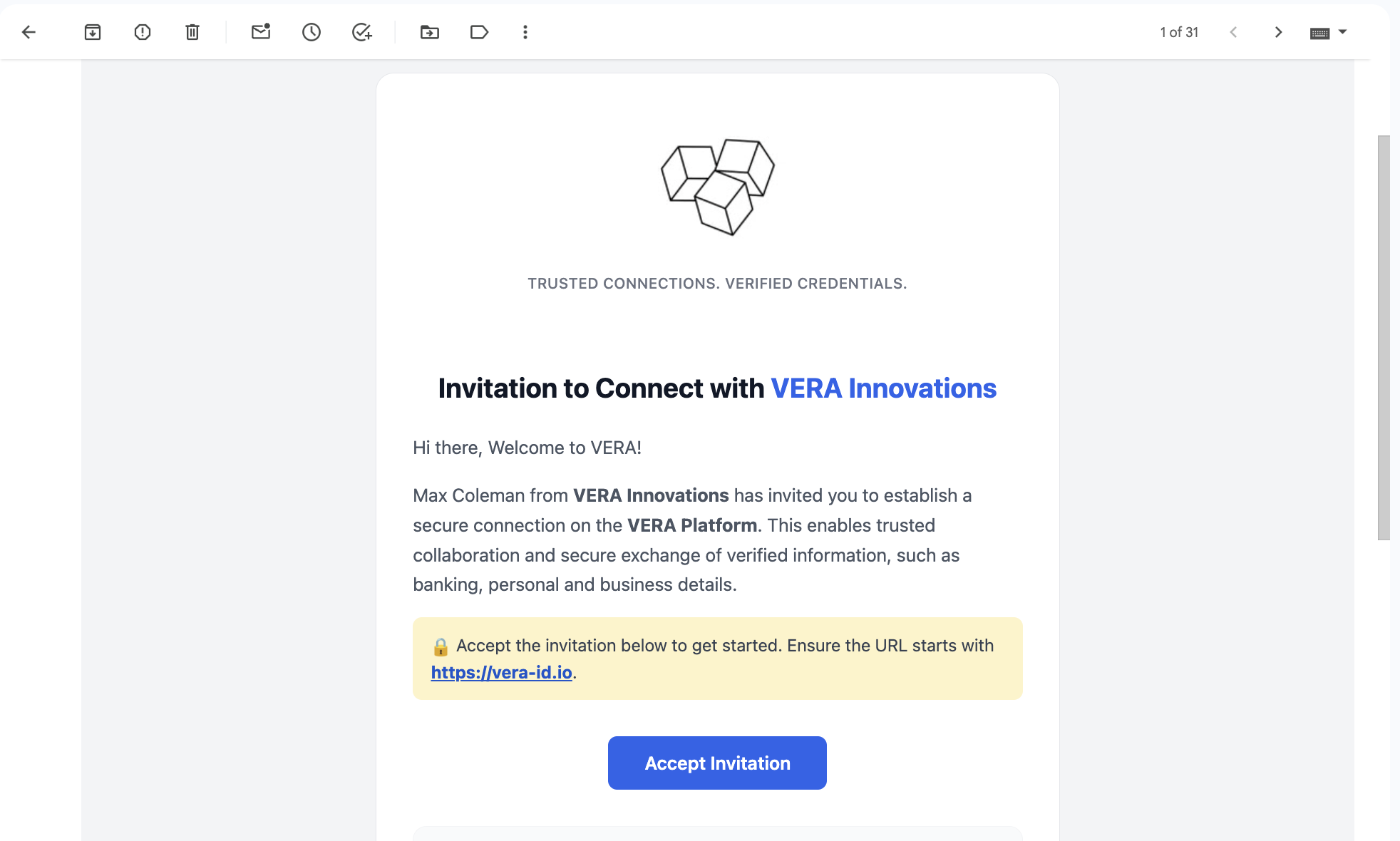
Accept an invitation
What to do when someone sends you a VERA connection invitation.
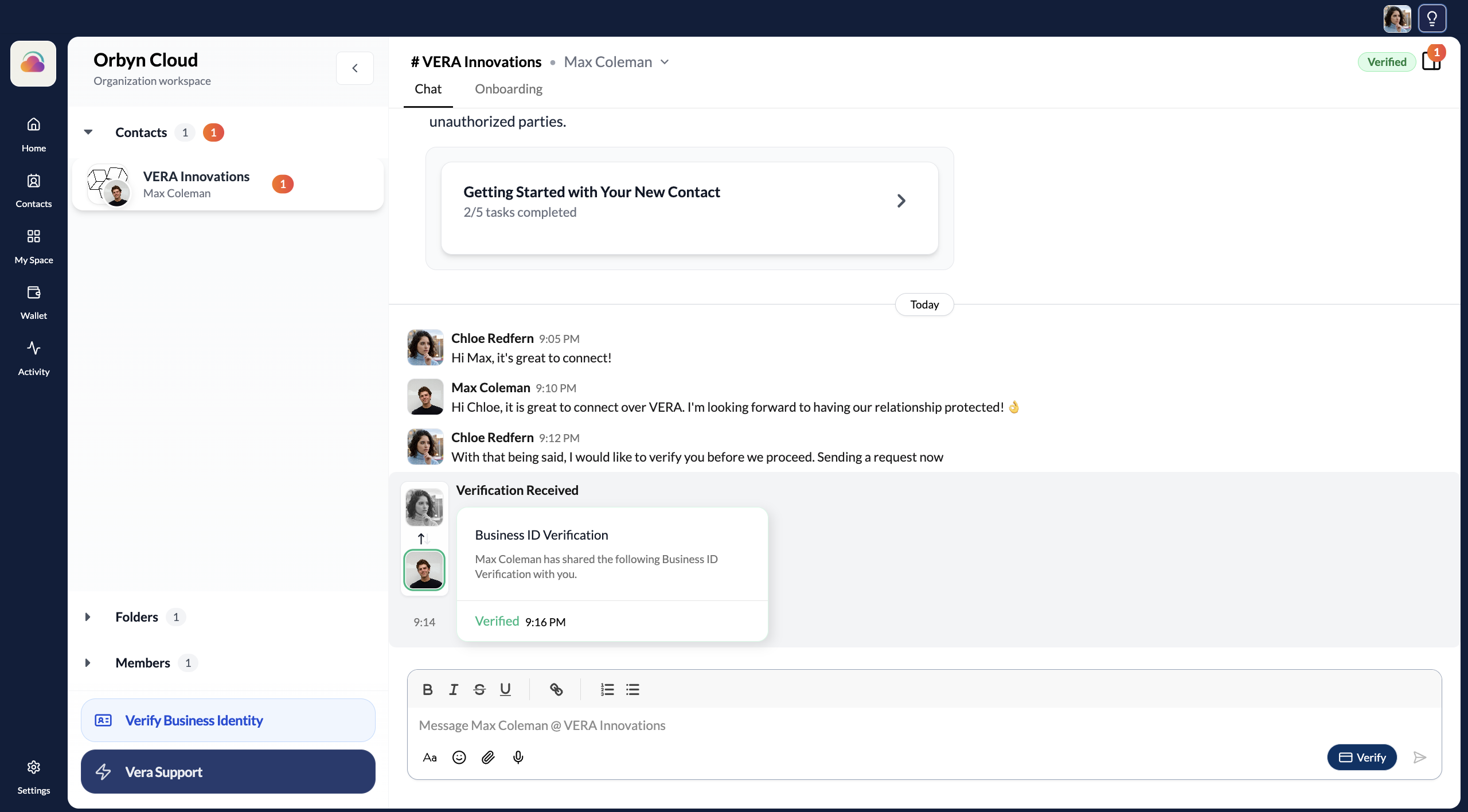
Verify your connections
Request and share verified credentials so both sides know who they're dealing with.
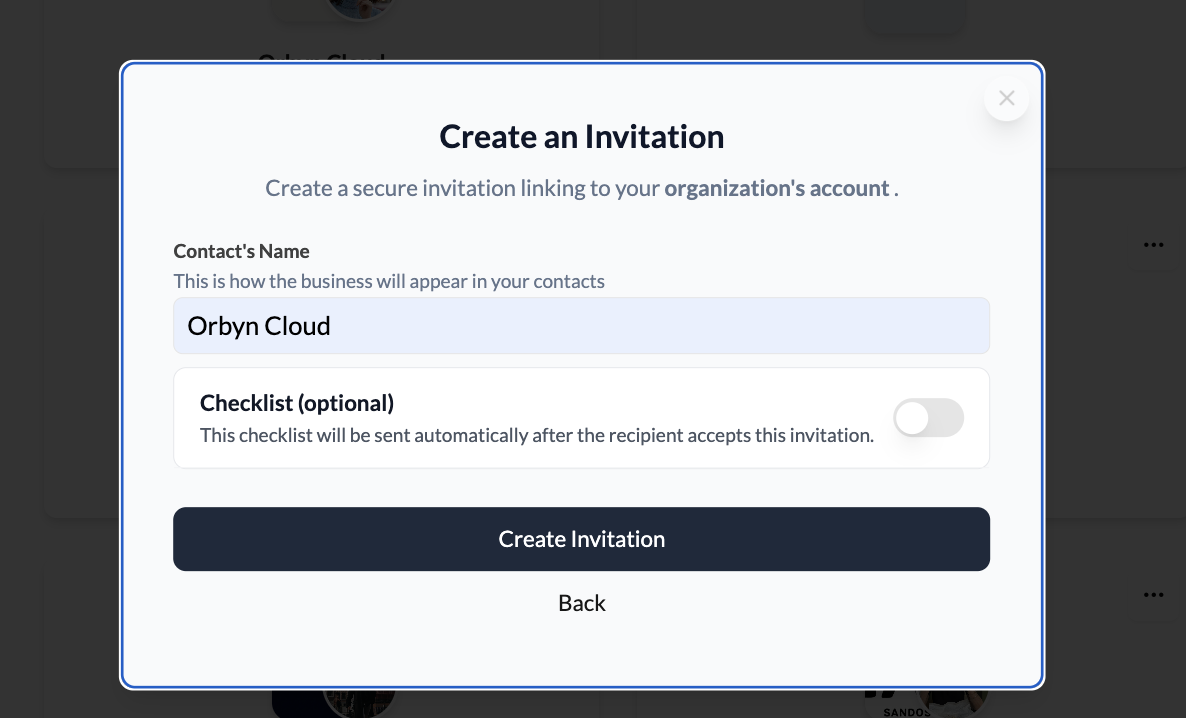
Send an onboarding checklist
Attach a checklist when inviting a contact or send one to an existing connection.
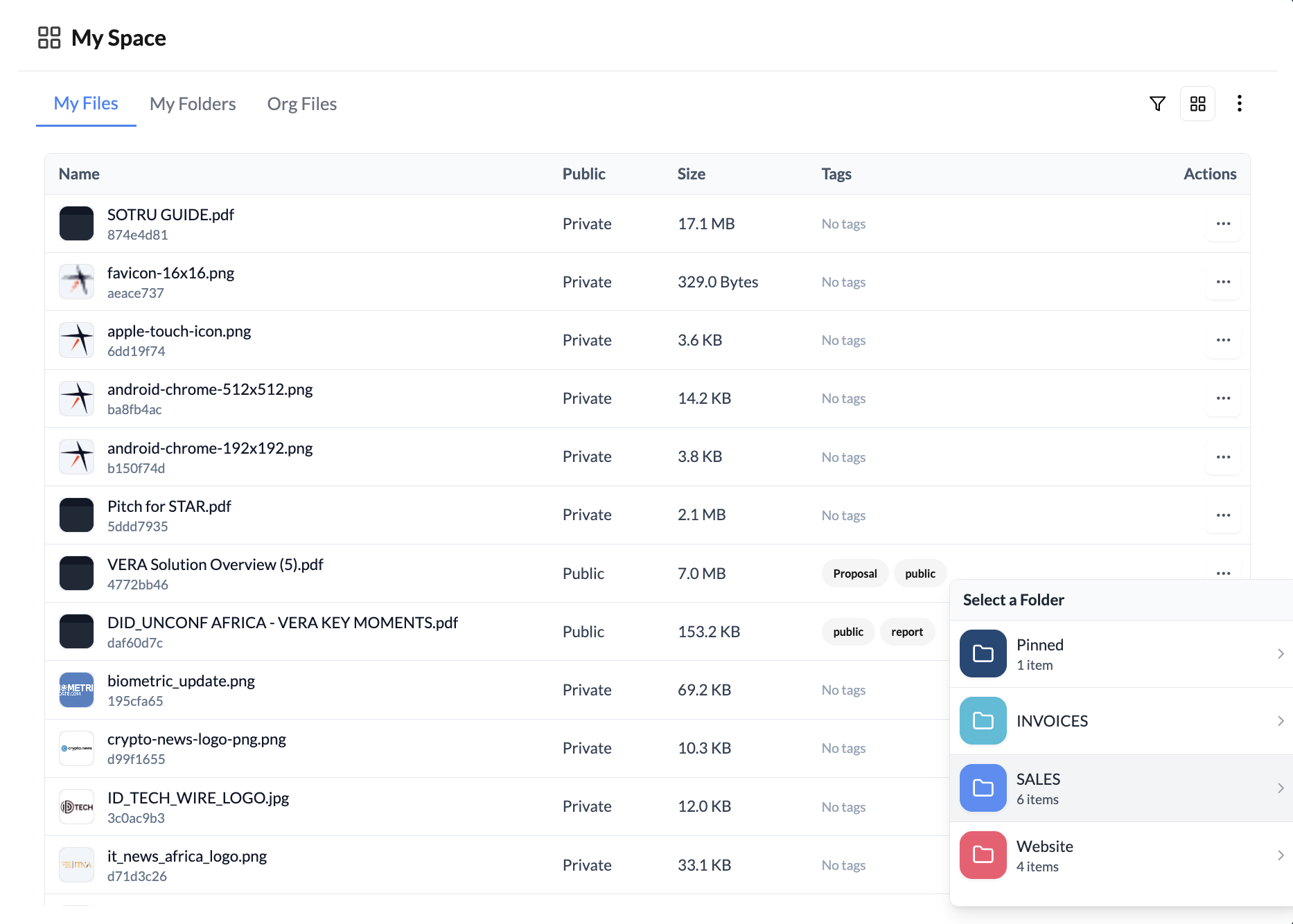
Secure document storage
Upload, organise, and share files from your encrypted personal vault.
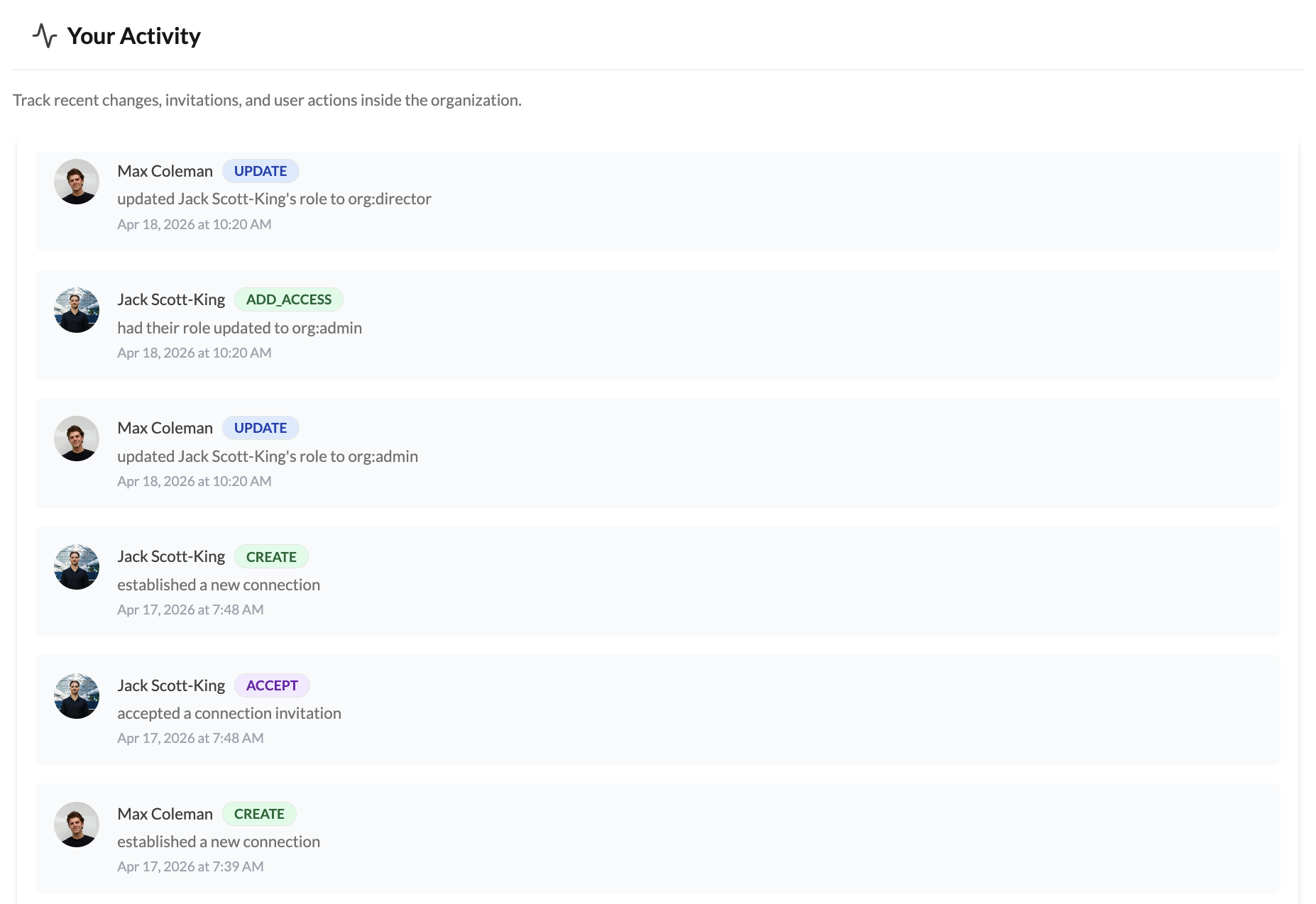
Your activity feed
Track everything that's happened across your organisation workspace.
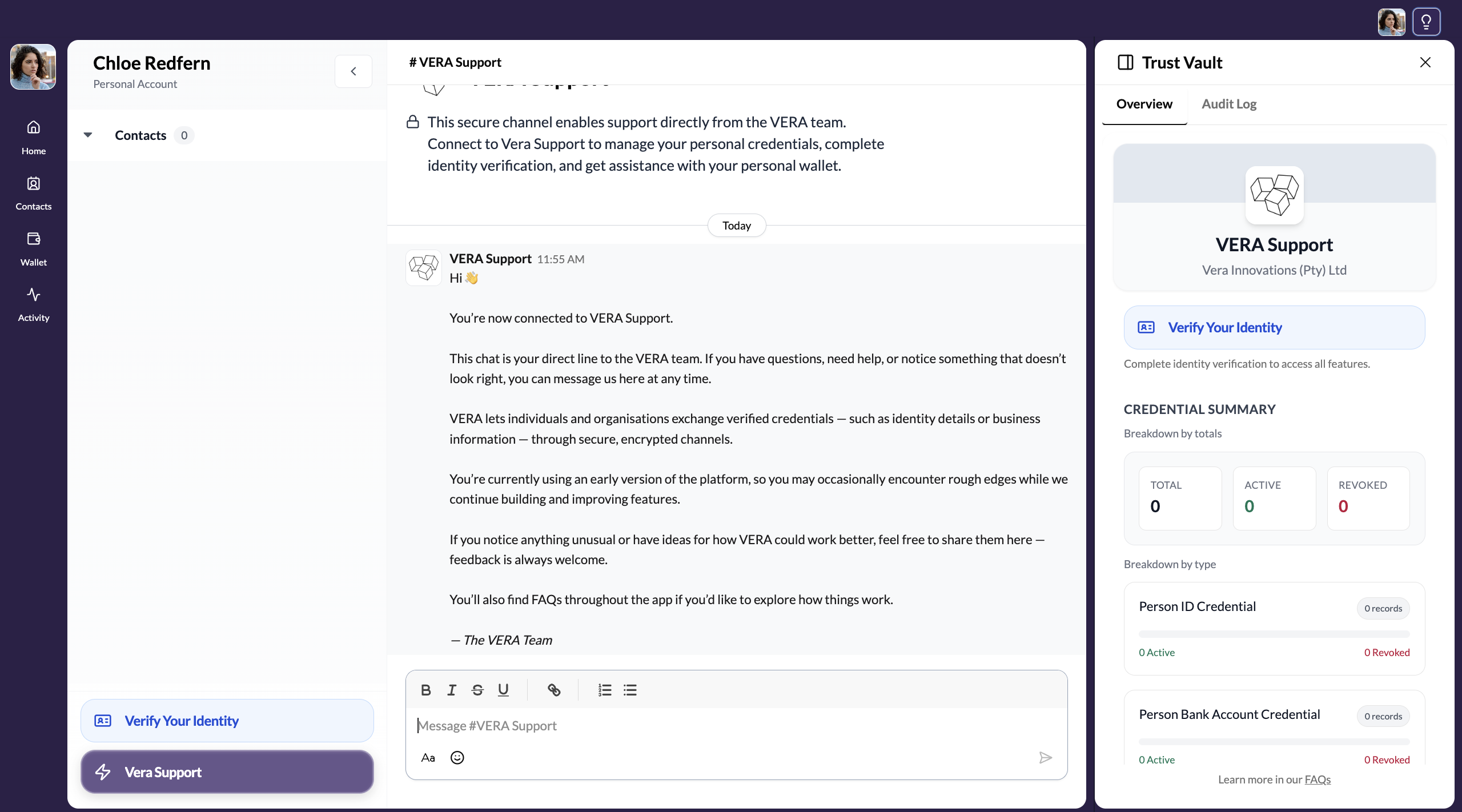
VERA Support
How to reach the VERA team through your encrypted support channel.