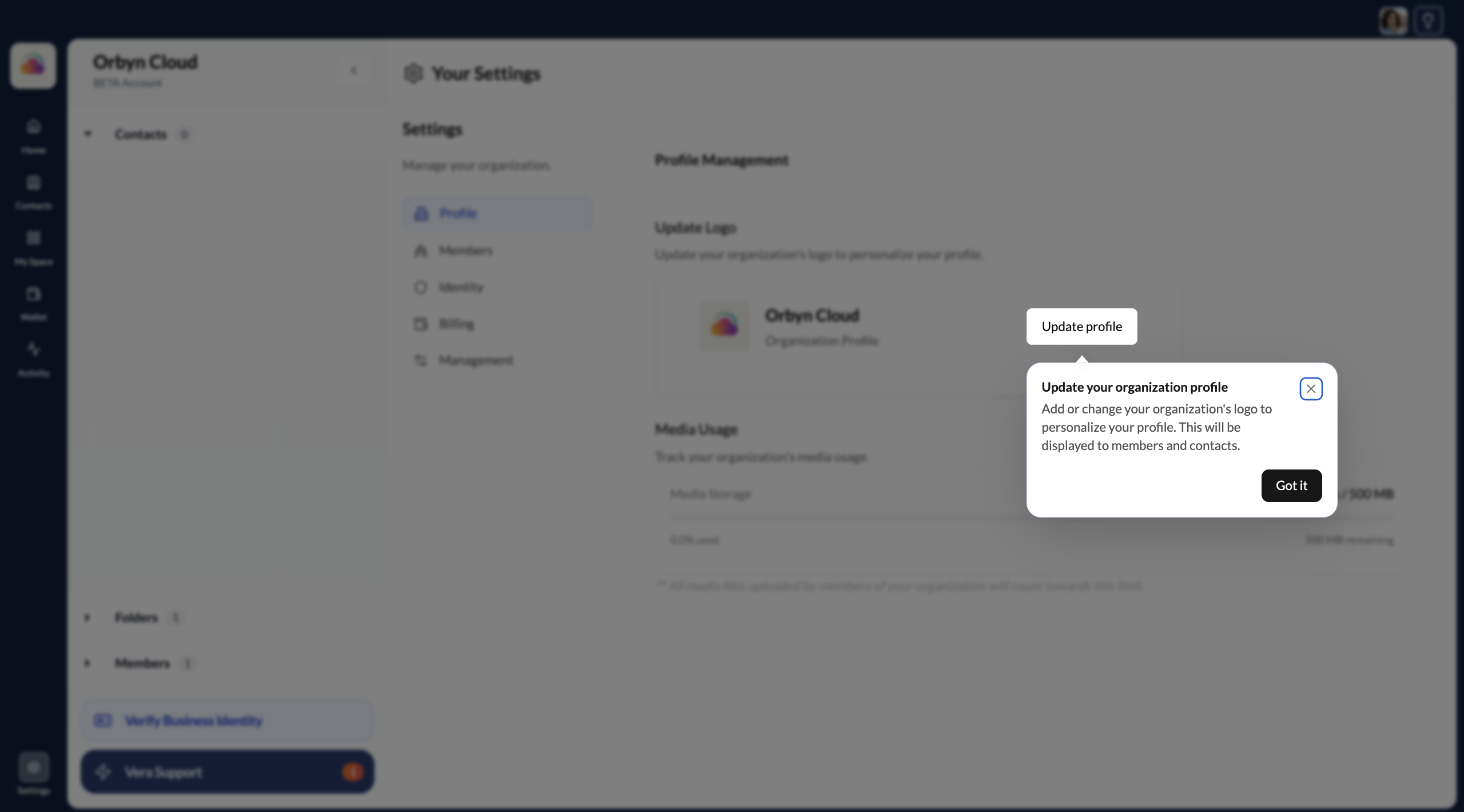
Update your profile
Change your profile photo, update your personal details, or edit your organisation's name, logo, and contact information at any time from Settings.
Update your personal profile
Go to Settings → Profile
Click your profile icon or avatar at the top of the sidebar, then select Settings. Navigate to the Profile tab.
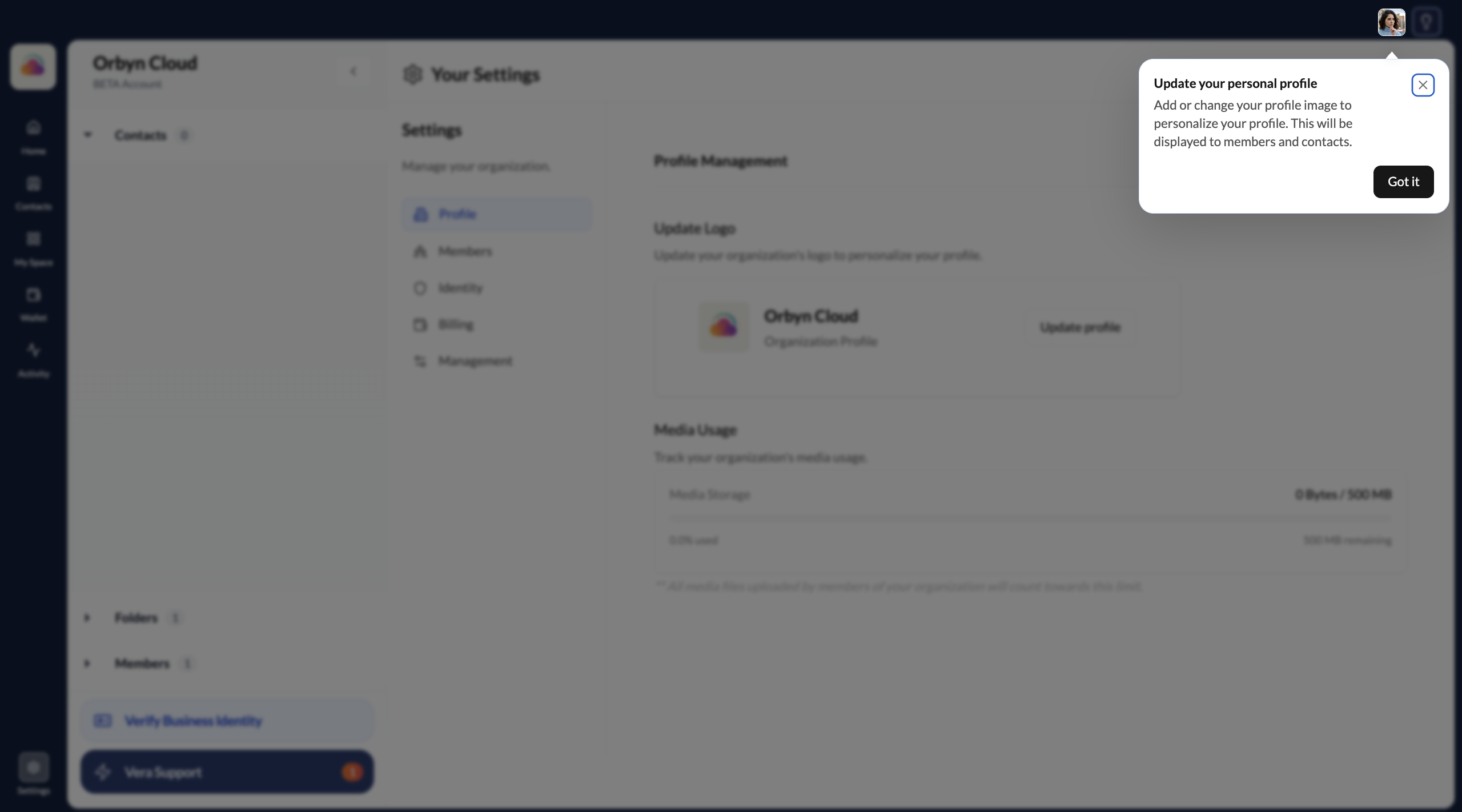
Make your changes and save
Update your name, profile photo, or any other personal details. Click Save when done. Changes take effect immediately and are visible to your contacts.
A real, current photo builds trust during credential exchanges. When a contact receives something from you, seeing a face they recognise makes the interaction feel more credible.
Update your organisation profile
Switch to your organisation account
If you have an organisation, switch to it using the account switcher at the top of the sidebar. Organisation settings are separate from personal settings.
Open organisation settings
Click the Settings icon at the bottom-left of the sidebar.
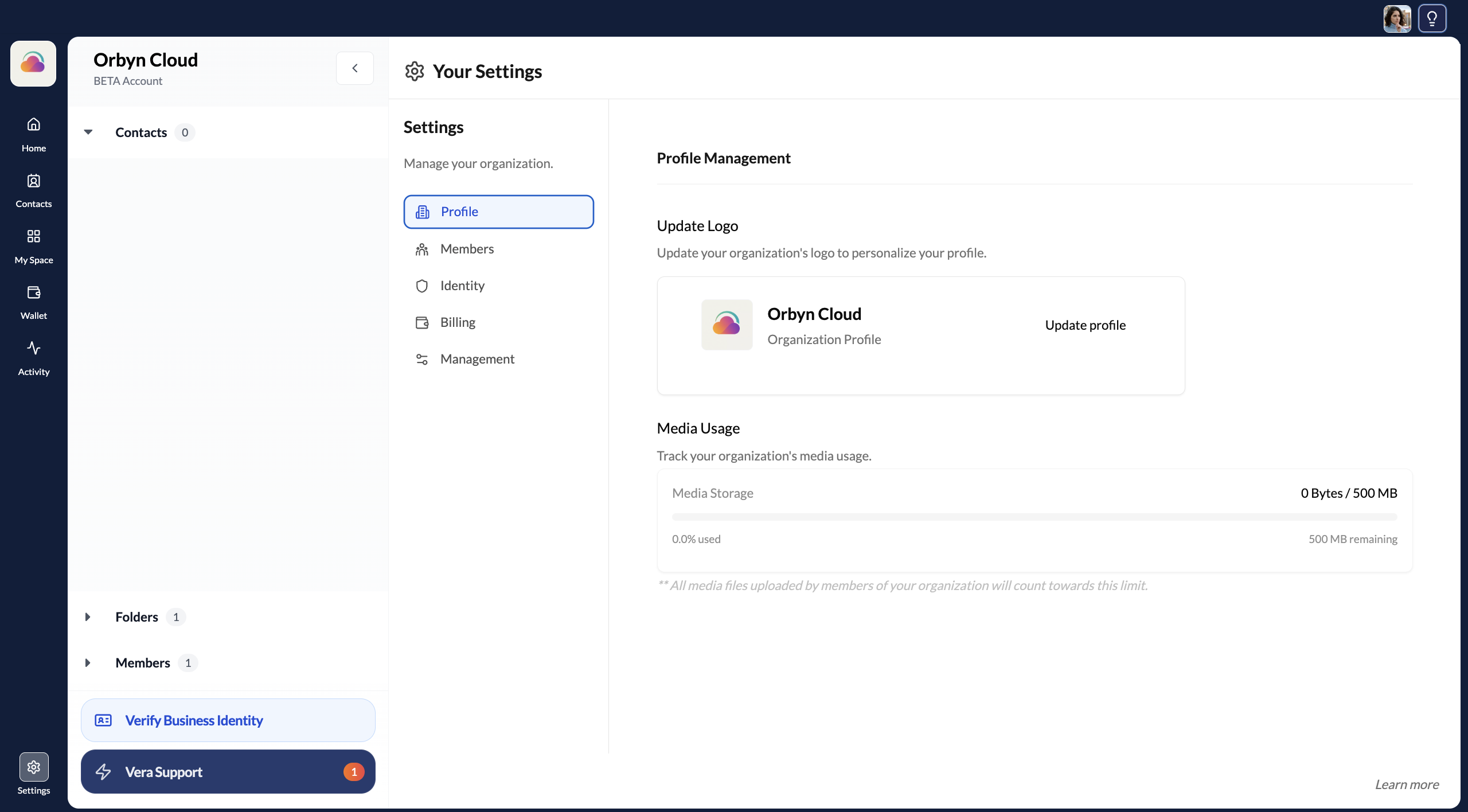
Update your organisation details
From organisation settings you can update:
- Organisation name
- Logo