
Verify your personal identity
Personal identity verification takes 2–3 minutes. You'll need your ID document and a device with a camera. Once done, your Person ID Credential is issued to your wallet.
If you've already verified your business identity, your personal identity was verified as part of that process. You don't need to do it again — your Person ID Credential is already in your wallet.
Before you start
Have these ready:
- Your South African ID document (smart card or green ID book) or passport
- Your 13-digit SA identity number
- A device with a working front-facing camera
- Good lighting — liveness checks fail in dim conditions
Start the verification
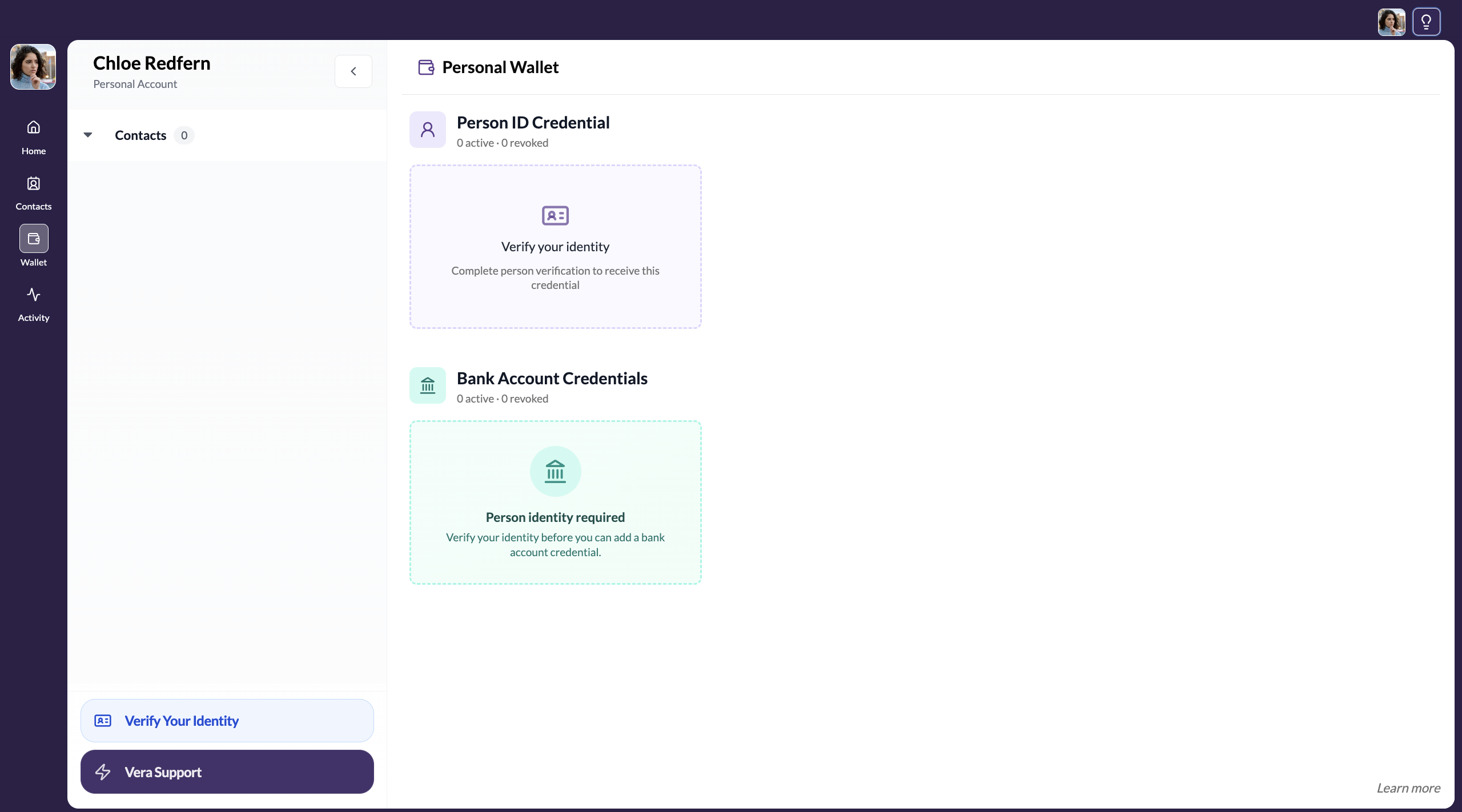
Open verification from the sidebar
Click Verify Your Identity at the bottom of the left sidebar, or click the verification prompt in your welcome modal.
Enter your verification details
Fill in your residency status and your 13-digit Identification Number.
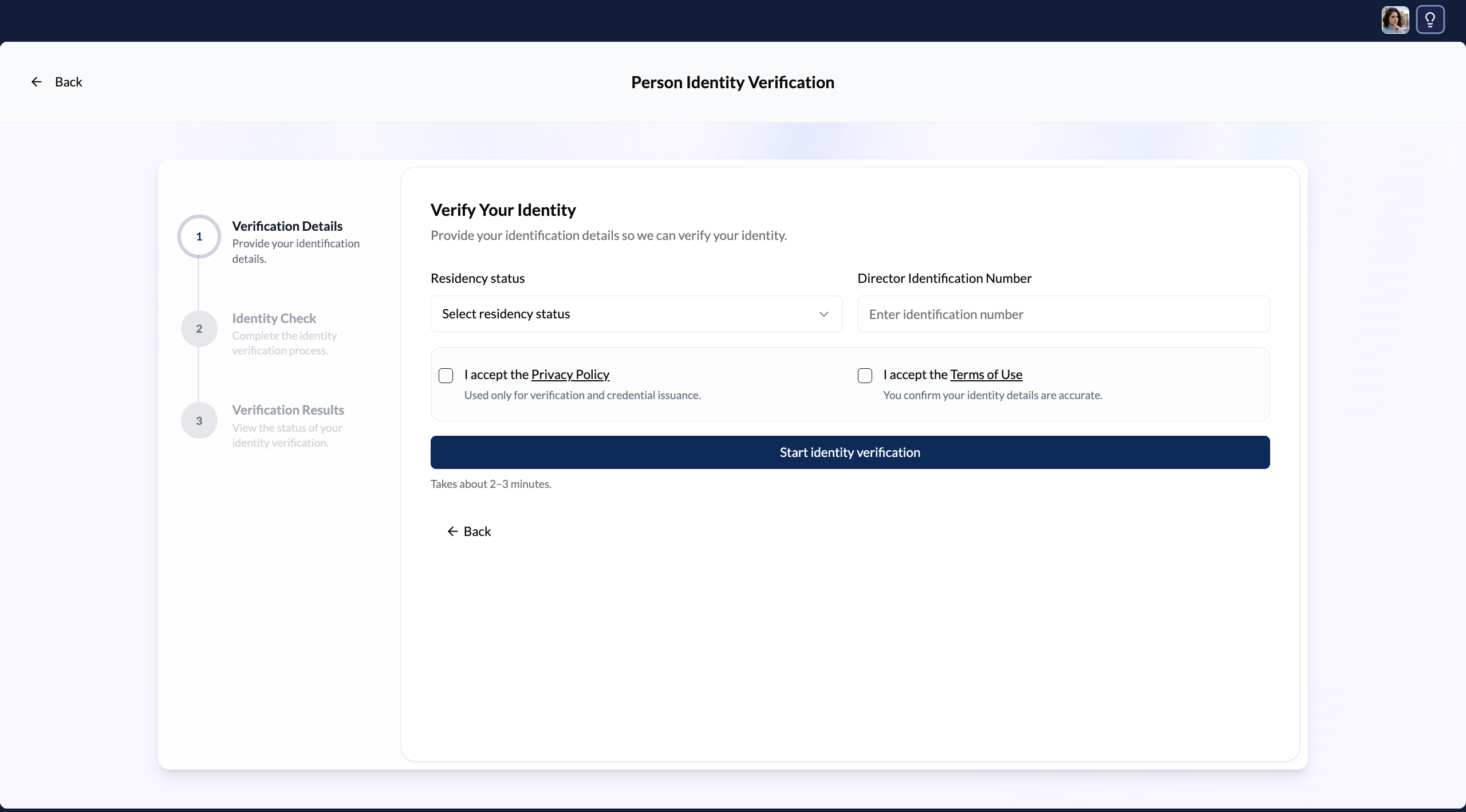
Accept the Privacy Policy and Terms of Use
Read and accept the verification provider's Privacy Policy and Terms of Use, then click Start identity verification.
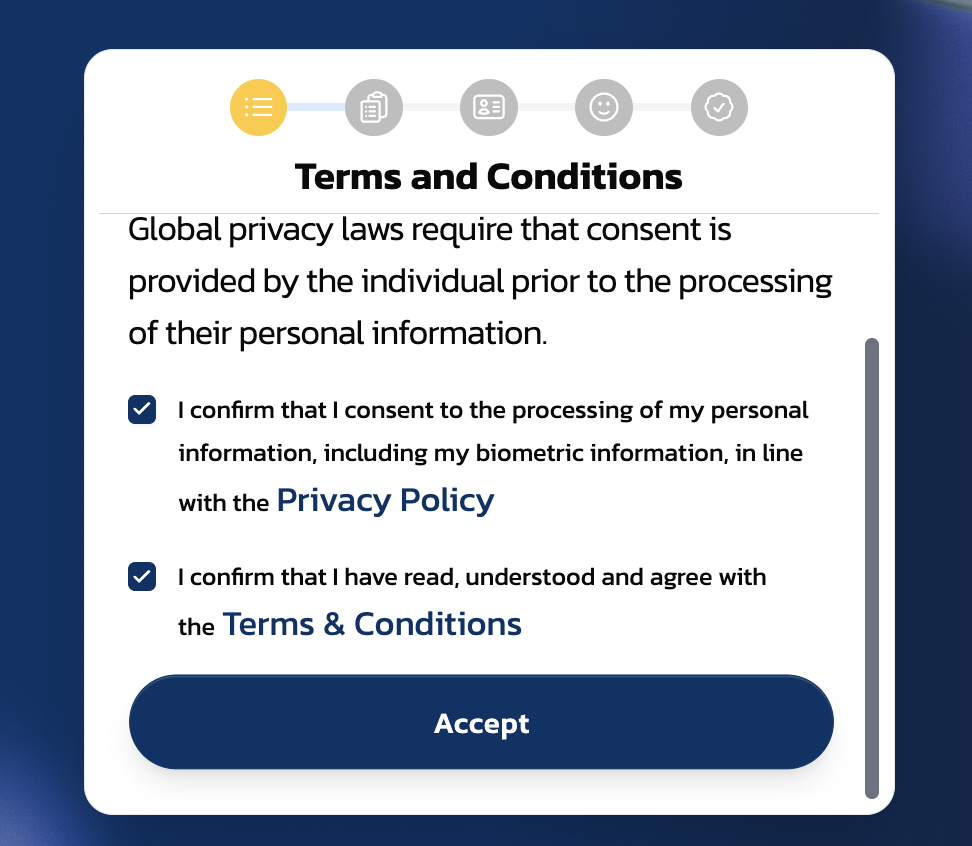
Accept Terms and Conditions
Consent to the processing of your personal information (including biometric data) under the Privacy Policy, and accept the Terms and Conditions. Click Accept.
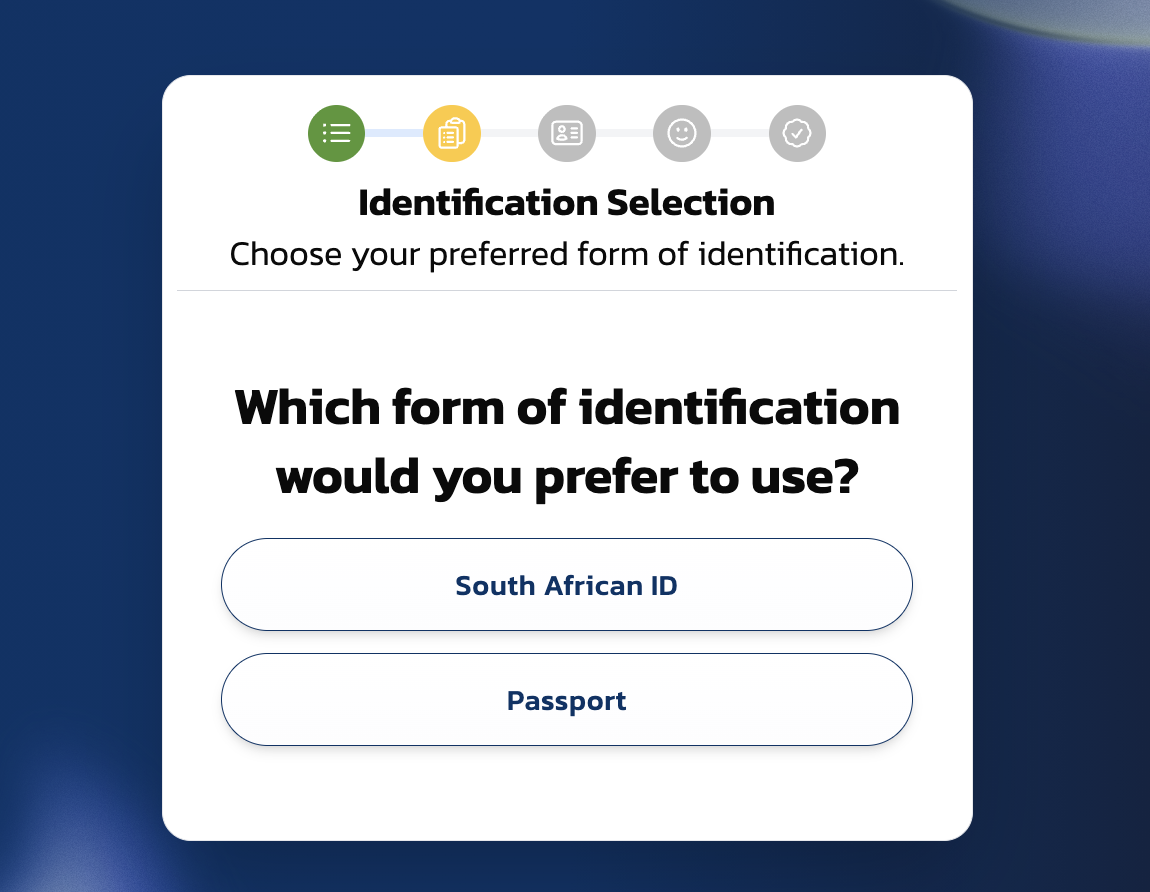
Choose your ID type
Select South African ID or Passport.
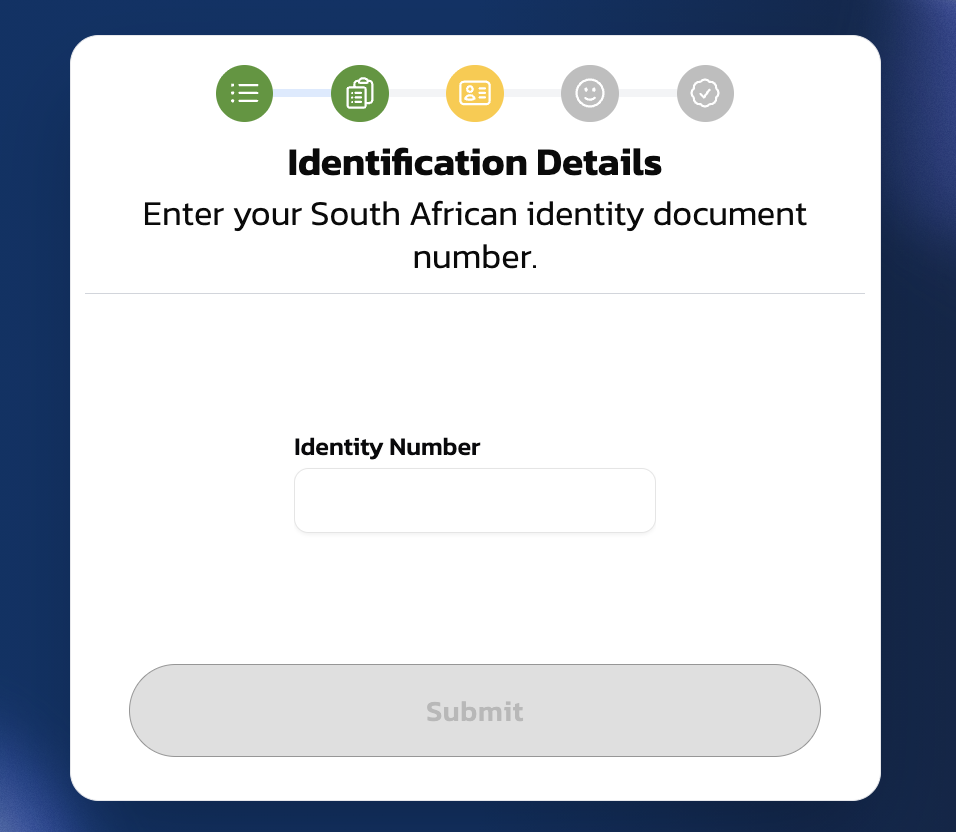
Enter your identity number
If you selected South African ID, enter your 13-digit identity number and click Submit.
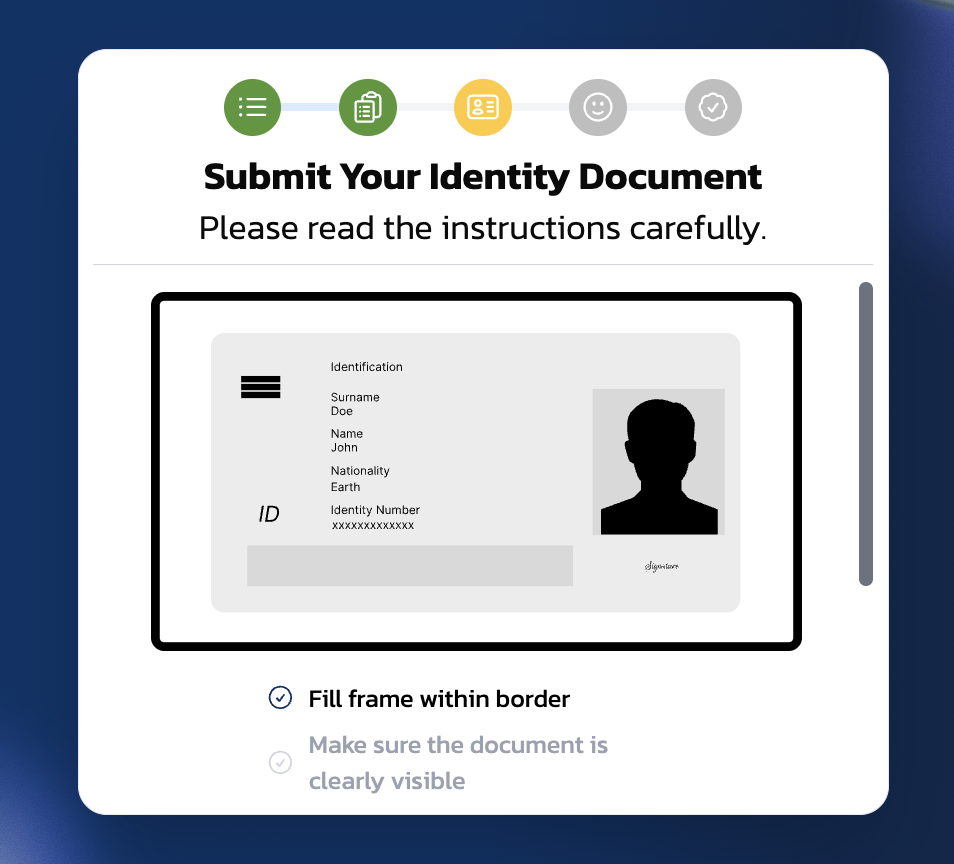
Submit your identity document
The screen shows what a valid ID submission looks like: the document should fill the frame within the border and be clearly visible.
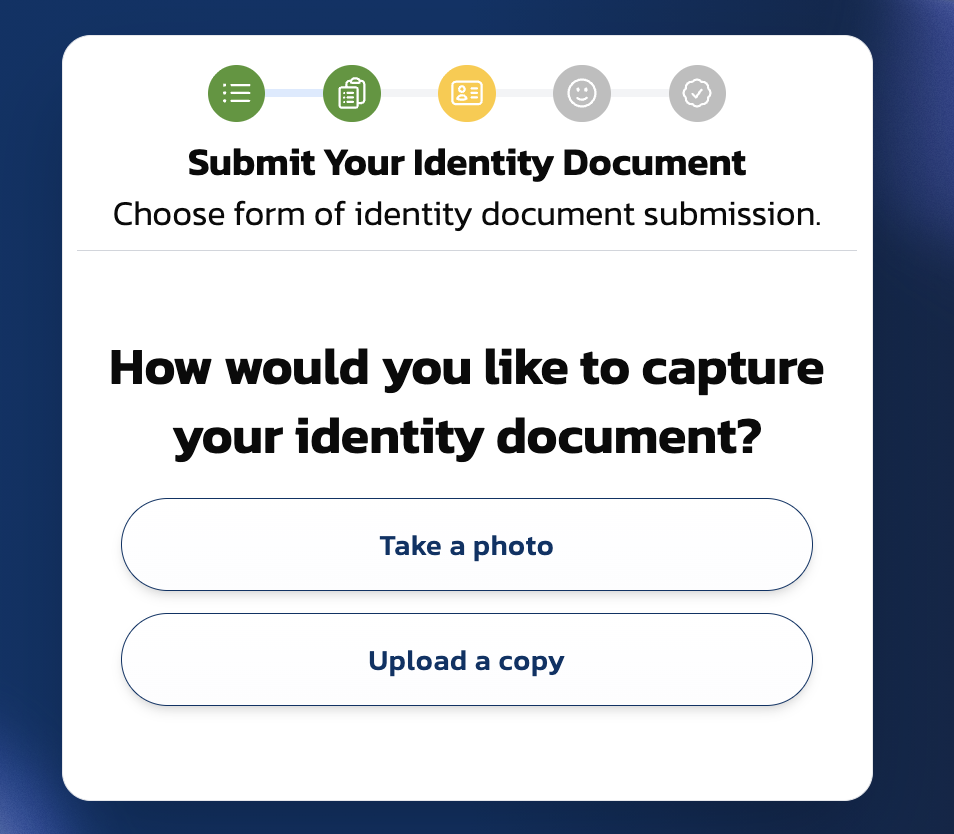
Choose how to capture
Select Take a photo (use your camera) or Upload a copy (select an existing image file).
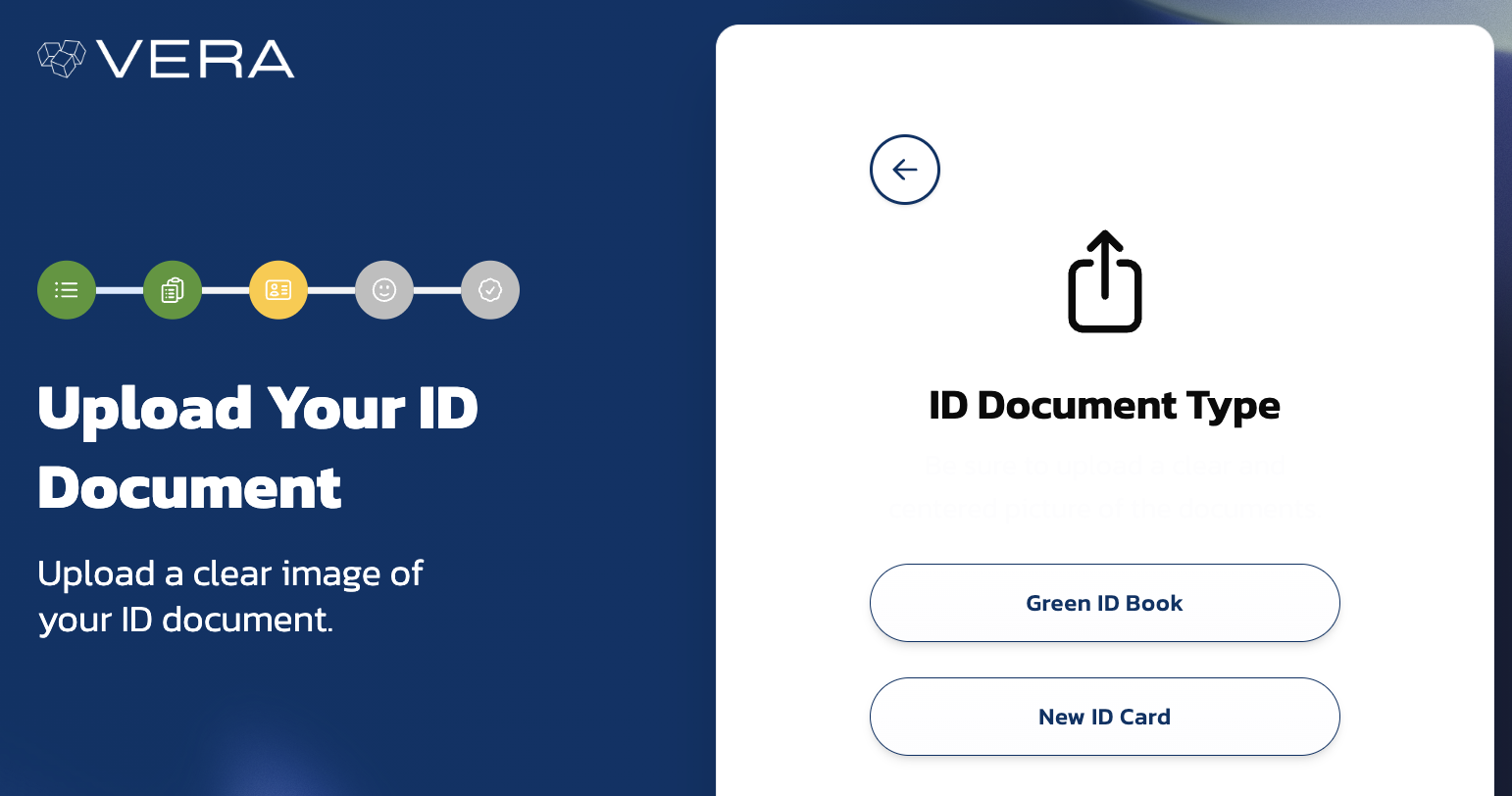
Select your document type (SA ID only)
If you chose South African ID, select whether you have a Green ID Book or a New ID Card (smart card). This determines whether you need to upload one page or front and back.
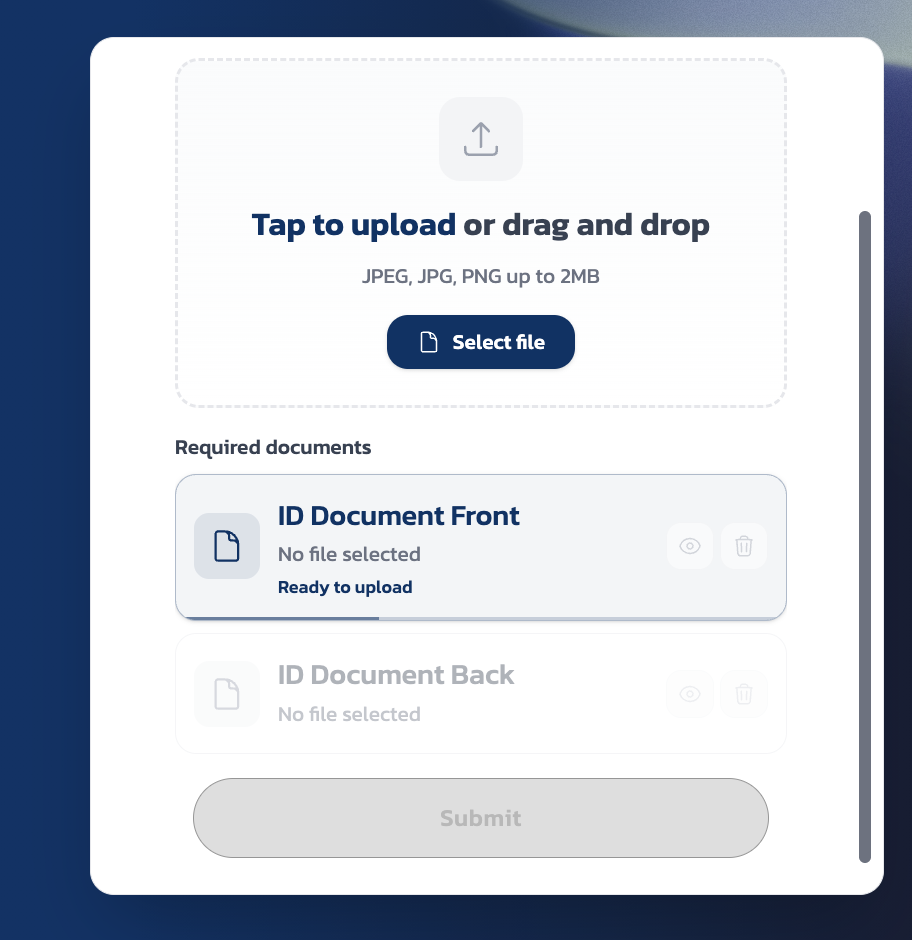
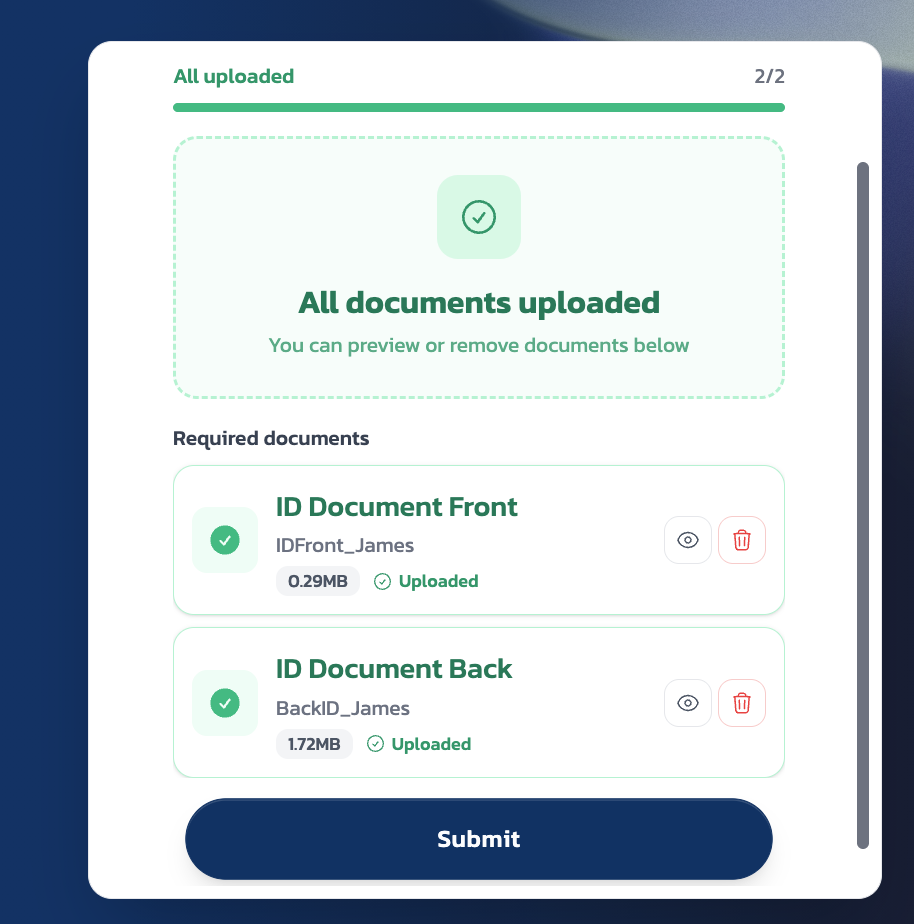
Upload front and back
Upload images of the front and back of your ID document. Supported formats are JPEG, JPG, and PNG up to 2MB each. Once both are uploaded, you'll see "All documents uploaded" with green checkmarks.
Complete the liveness check
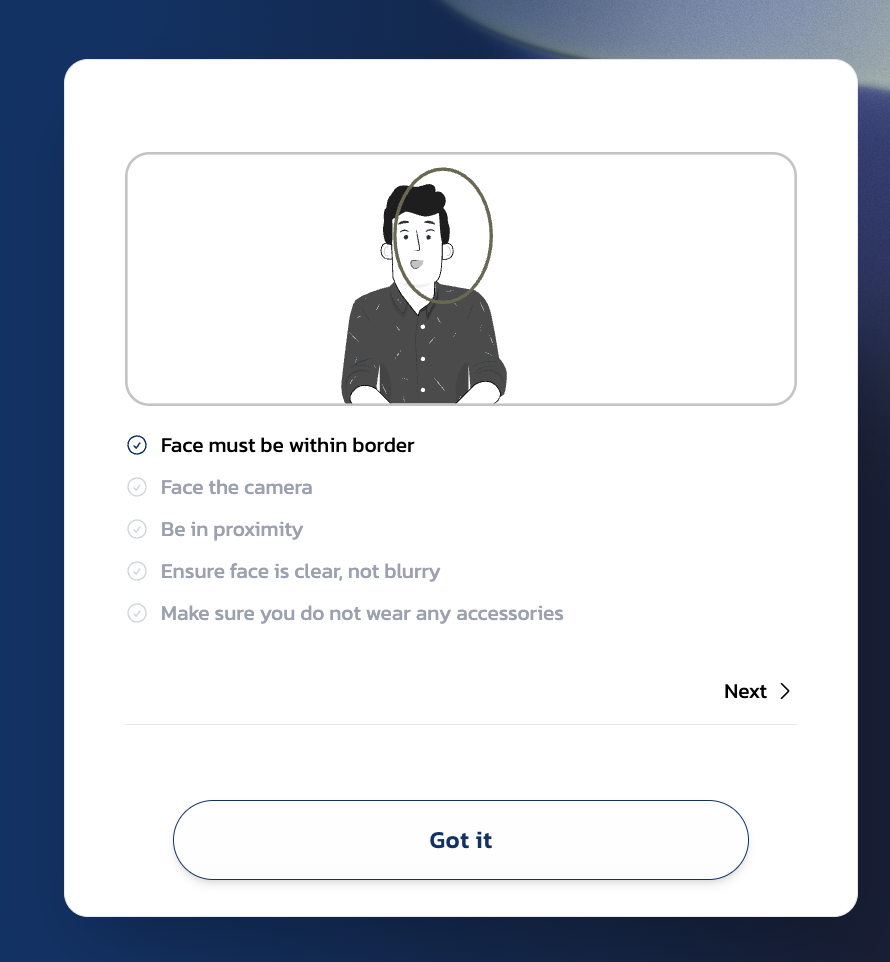
The liveness check confirms you're a real person and matches your face against the photo on your ID document. Follow the on-screen instructions: face must be within the border, face the camera directly, be close enough, ensure your face is clear and not blurry, and remove any accessories (glasses, hats).
Click Got it then follow the prompts to take a selfie.
Wait for the result
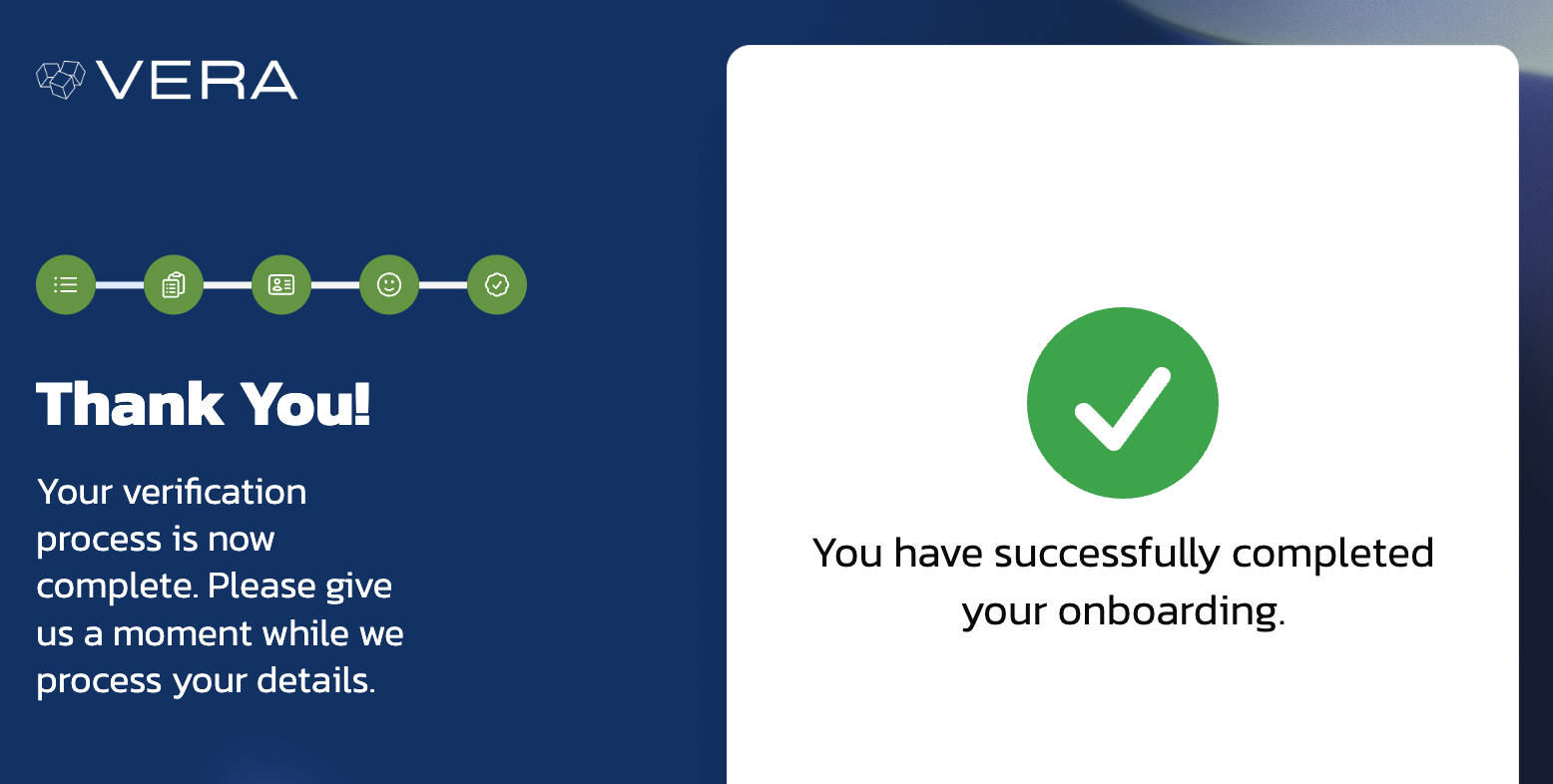
Once the liveness check completes, VERA processes your details. This typically takes a few seconds.
Your credential is issued
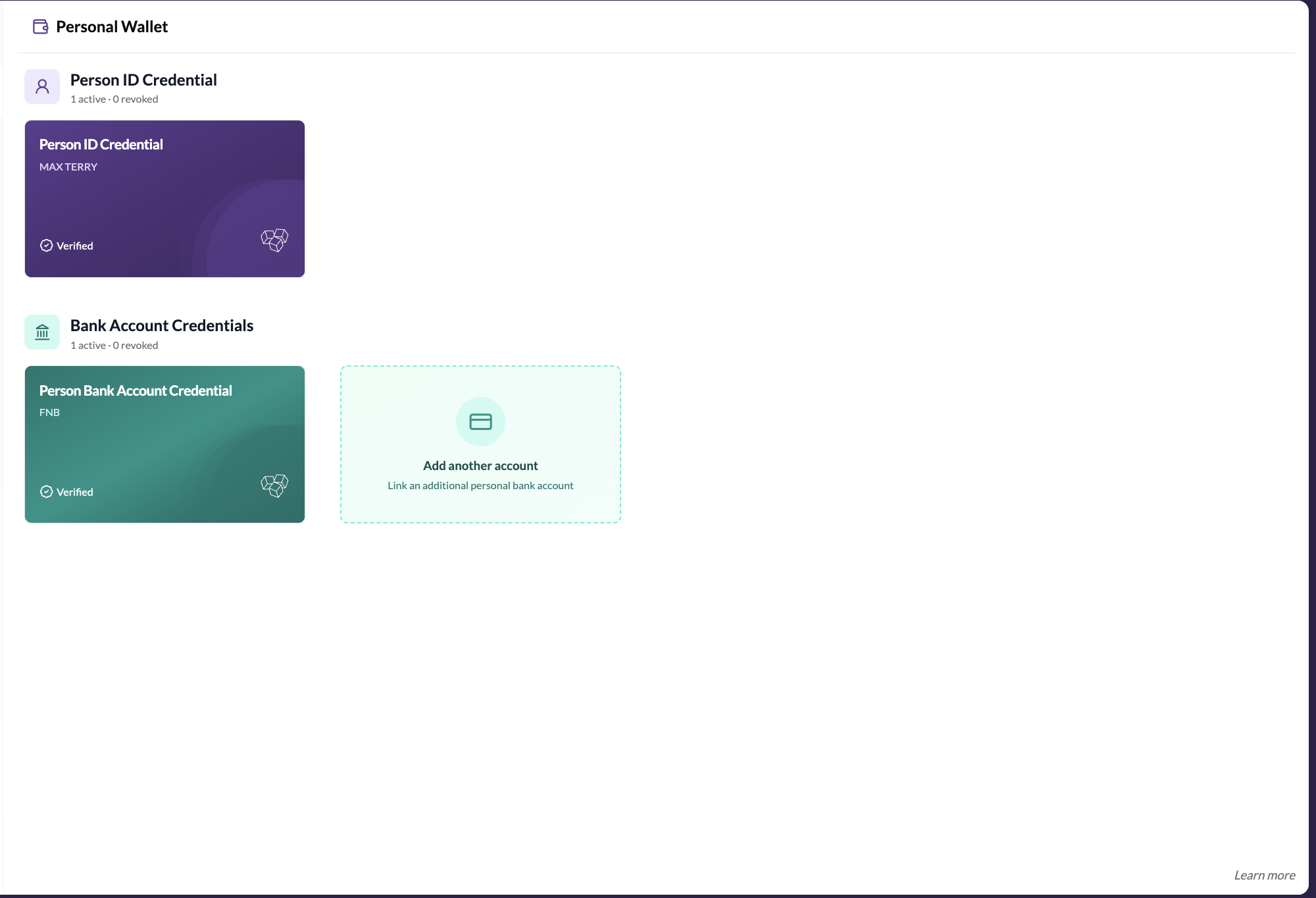
Once verified, a Person ID Credential is issued to your wallet. You can see it in the Identity tab of your wallet.
What the credential shows
Your Person ID Credential shows:
- Your legal name (as it appears on your ID)
- Credential status (Active)
- Issuer (the verification authority)
- Issue date and expiry (if applicable)
This credential appears in your Trust Vault for any contact who looks you up. It confirms to them that you are who you say you are.
VERA uses a third-party verification provider. Your ID document images are processed by that provider according to their privacy policy. VERA itself does not store copies of your ID documents.
If your verification fails
- Poor image quality — try again in better lighting
- Document not accepted — some ID types aren't supported. Check the supported documents list.
- Liveness check failed — make sure your face is well lit, centred, and you're not wearing glasses or a hat
- Details don't match — ensure your entered details match exactly what's on your document
If you continue to have issues, contact VERA Support.