Personal vs Organisation workspace
Your VERA account supports multiple workspaces — one personal workspace and as many organisational workspaces as you need. Here's what each gives you and when to use which.
One account, multiple workspaces
When you sign up for VERA, you create a single account — one login, one vault password, one recovery key. Inside that account you have workspaces:
- One personal workspace — always present. Even if you choose Organisation during signup, VERA creates your personal workspace automatically in the background.
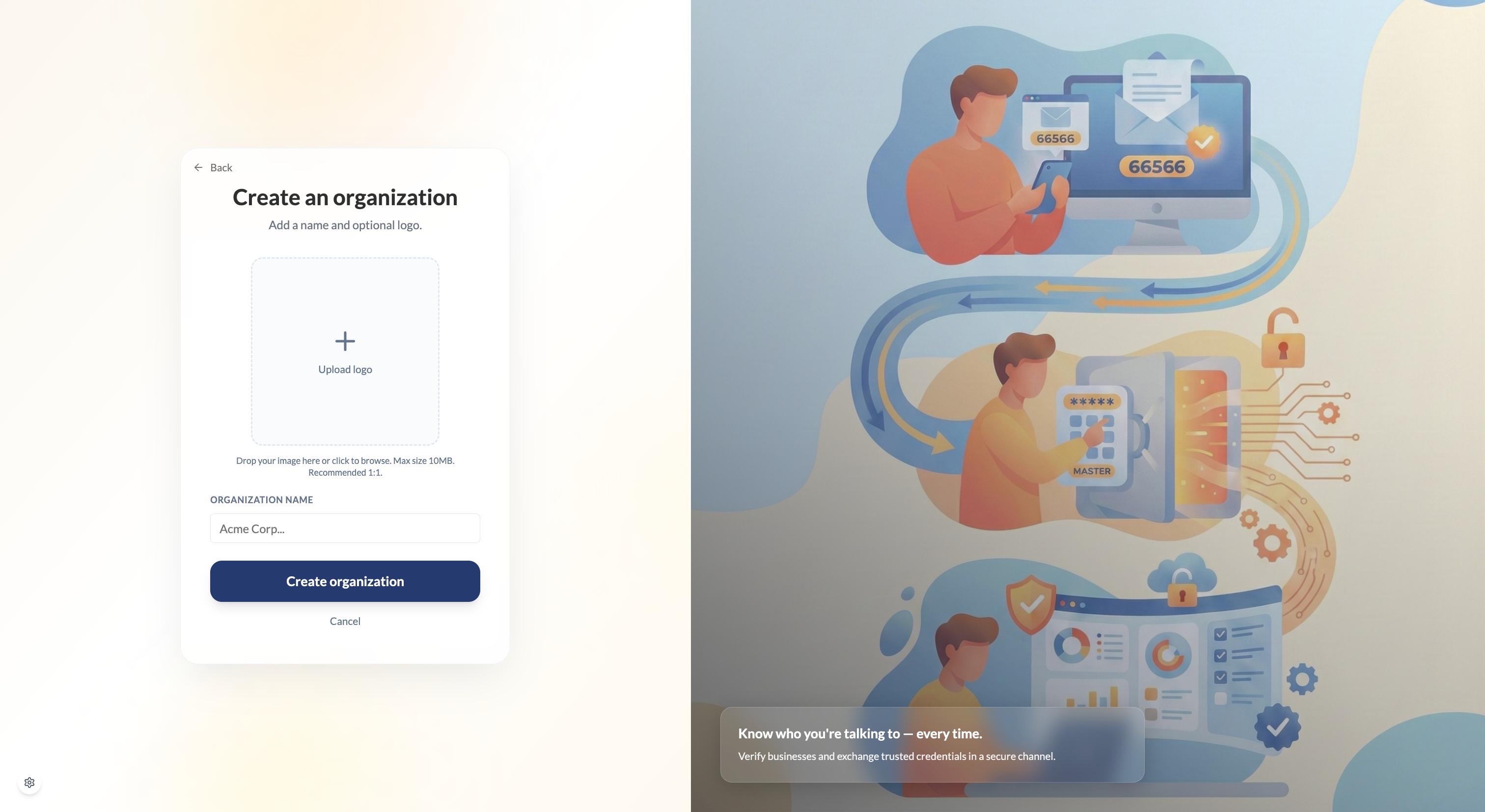
- One or more organisational workspaces — created when you set up a business entity. You can belong to multiple organisations under the same account.
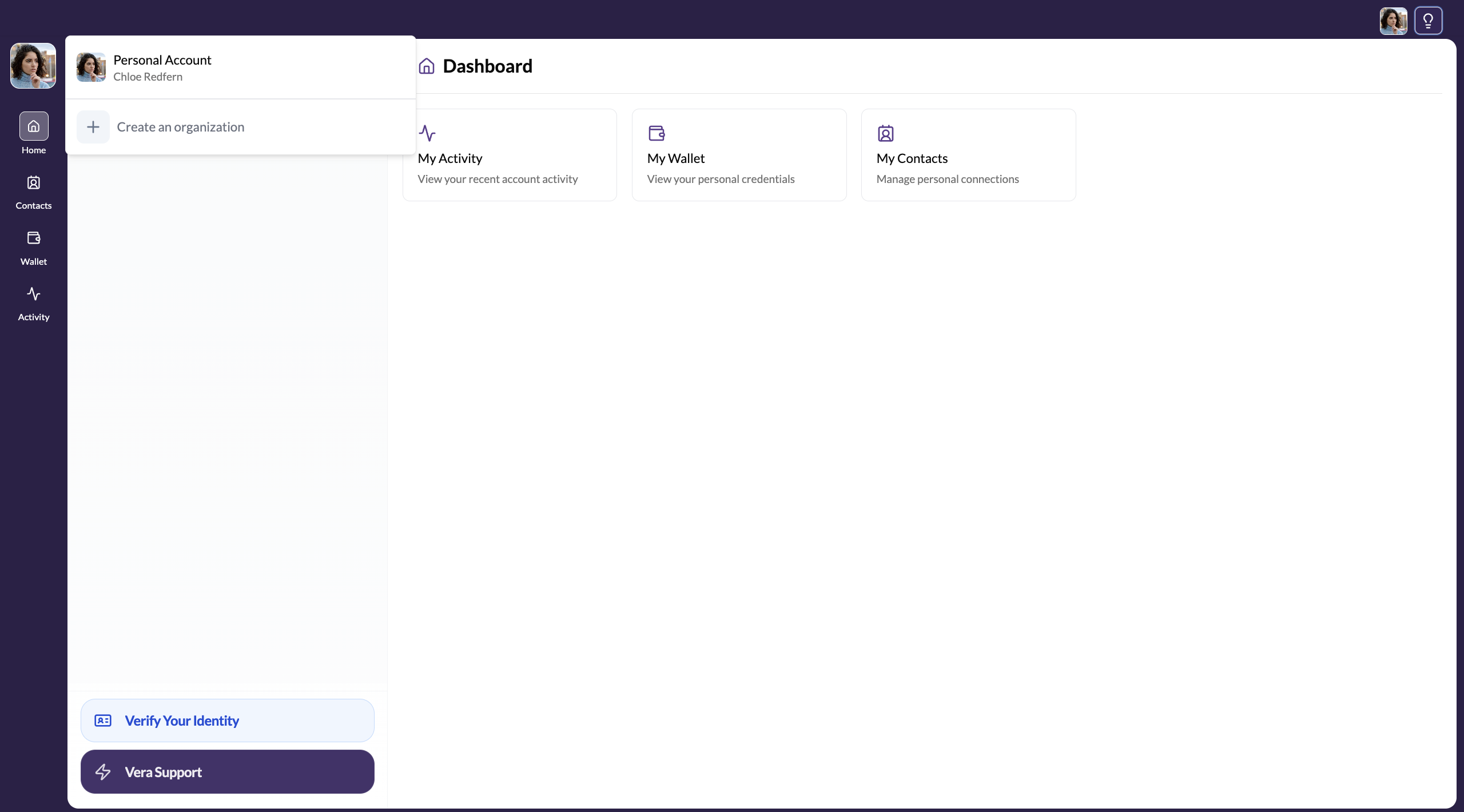
Switching between them doesn't require logging out. Everything lives under your account.
Personal workspace
Your personal workspace is for you as an individual. It gives you:
- Personal identity verification (KYC) — verify who you are as a person
- A personal credential wallet — holds your identity credentials, certifications, and other verified attributes
- Personal secure channels — encrypted conversations with the contacts you've connected with
- Secure document storage — your own encrypted space for files and notes
Most individual-to-individual interactions on VERA — sharing credentials with a financial institution, connecting with a freelance client — happen from your personal workspace.
Organisation workspace
An organisation workspace is for a registered business or entity. It gives you everything in Personal, plus:
- Business identity verification (KYB) — verify your business, not just yourself
- A business credential wallet — holds your company's verified credentials (registration, compliance certs, etc.)
- Team members — invite colleagues, assign roles (Director, Member, etc.)
- Organisation branding — your company name and logo appear in your profile and credentials
- Business-specific secure channels — conversations and credential exchanges on behalf of the organisation
Which should I start with?
Choose Personal if: you're verifying yourself as an individual, you're a freelancer managing your own identity, or you're not sure yet.
Choose Organisation if: you represent a registered business, you need to verify your company's identity, or you need to onboard team members.
When you choose Organisation during signup, VERA creates your personal workspace automatically in the background — you don't have to go back and set it up separately. You can switch to it any time using the workspace switcher.
Switching between workspaces
You can switch between your personal workspace and any organisation workspaces using the workspace switcher at the top-left of the sidebar.