
Understanding your wallet
Your VERA wallet holds all your verified credentials — cryptographically signed proof of who you are and what you represent. Here's how it's organised and what each part means.
What is a credential?
A credential is a verified claim about you or your organisation, issued by a trusted authority after checking you against official records. It answers a specific question — that you are who you say you are, that your business is registered, or that a bank account belongs to you.
What makes VERA credentials different from documents or certificates is that they're cryptographically signed. Any contact who receives one can verify the signature independently — they don't have to take VERA's word for it. They can confirm the credential came from the stated issuer and hasn't been tampered with. You're not sharing a PDF. You're sharing proof.
What is the wallet?
Your VERA wallet is the encrypted store where all your credentials live. It's part of your vault, which means:
- No one can access your credentials without your vault password
- The contents are cryptographically verifiable by any recipient
- Everything syncs across your devices when you unlock your vault
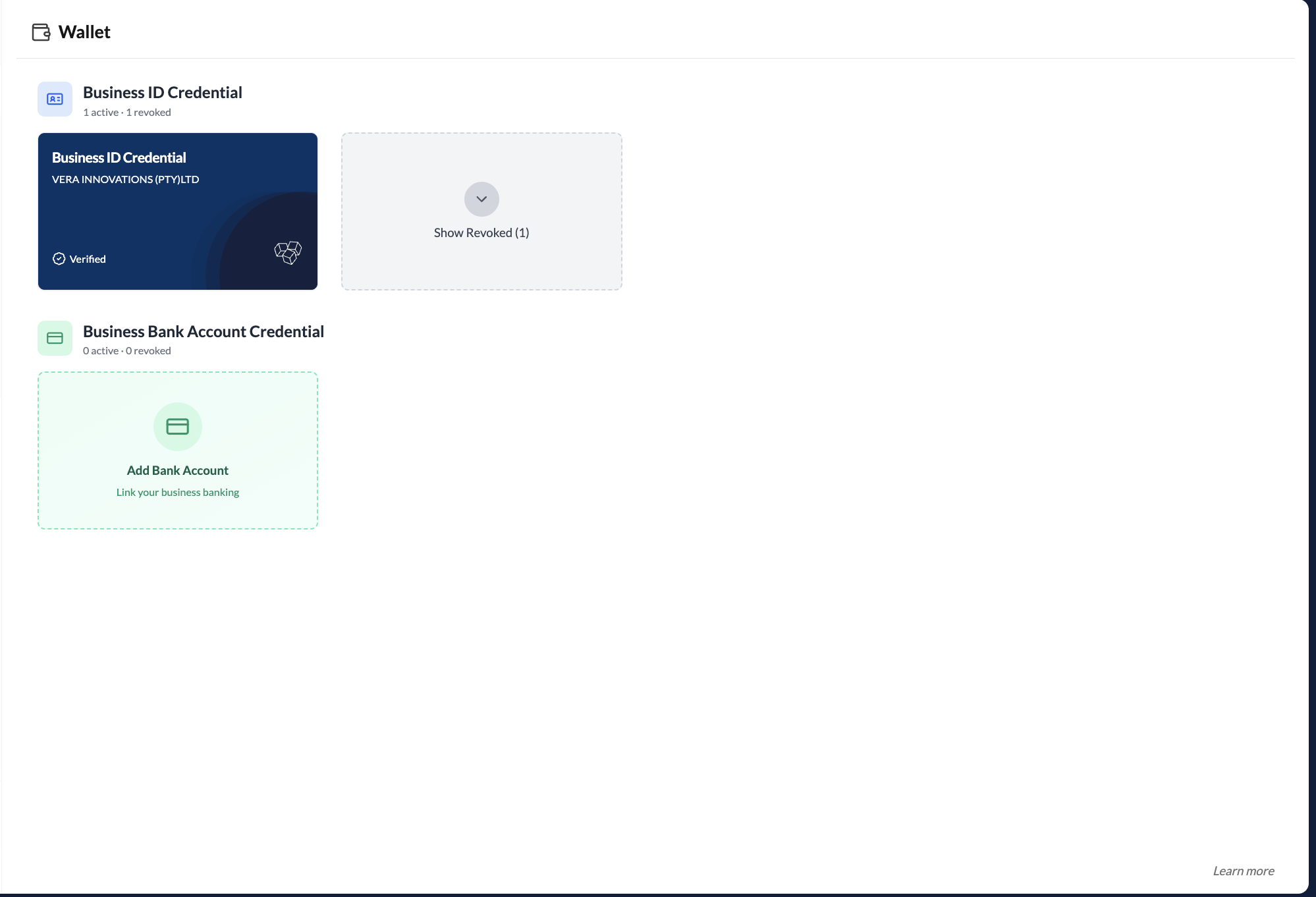
Click Wallet in the left sidebar to open it.
Individual wallet
Your personal workspace wallet holds credentials that belong to you as an individual:
- Person ID Credential — issued after personal identity verification (KYC). Confirms your legal name and identity.
- Person Bank Account Credential — issued after verifying a South African bank account against your personal identity. Confirms the account belongs to you.
Organisation wallet
Your organisation workspace wallet holds credentials that belong to your business:
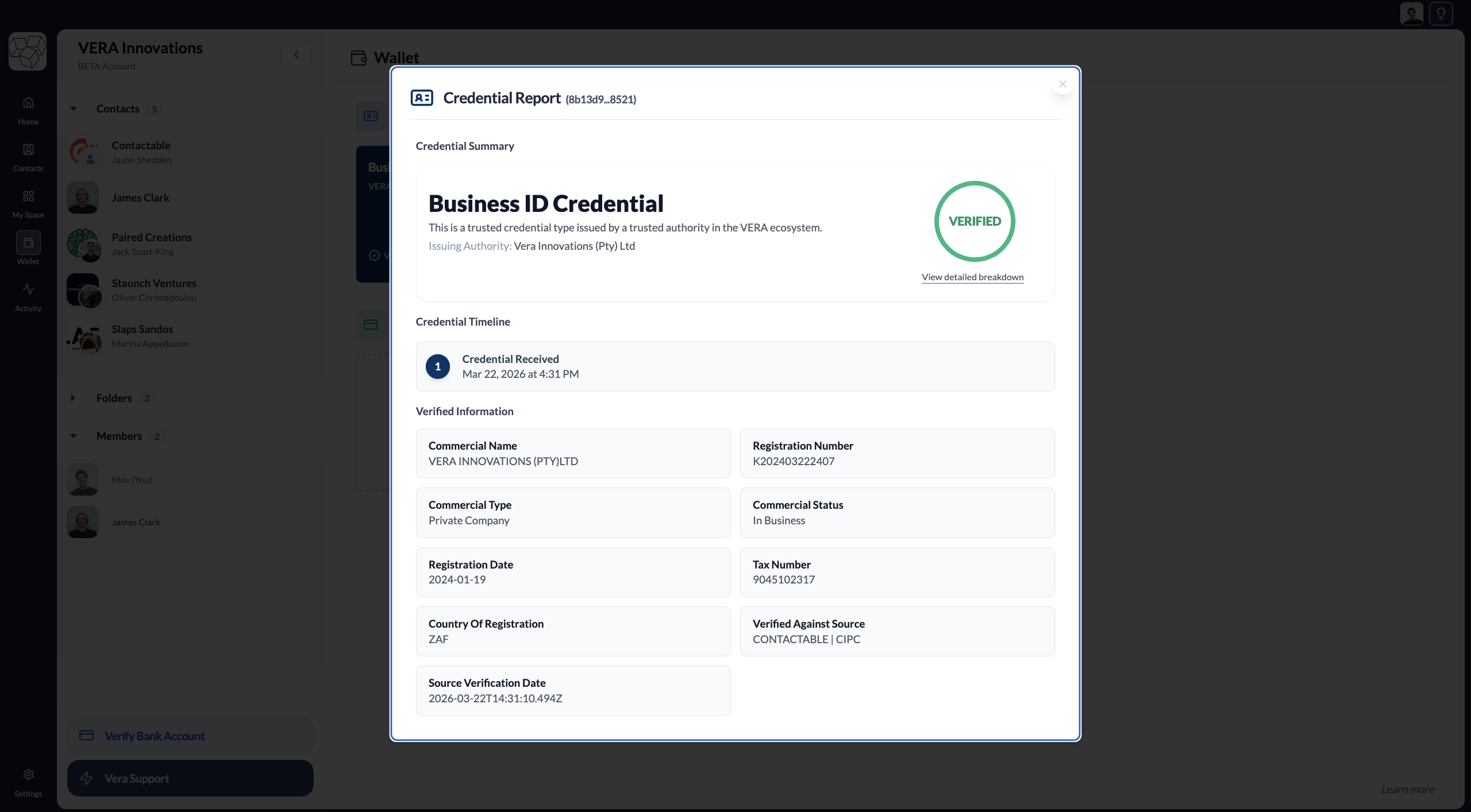
- Business ID Credential — issued after business identity verification (KYB). Confirms your organisation is a registered legal entity.
- Bank Account Credential — issued after verifying a South African bank account against your business identity. Confirms the account belongs to your verified organisation.
Personal and business credentials are completely separate. The credentials visible to a contact depend on which workspace — personal or organisation — they are connected with. A contact connected to your organisation cannot see your personal credentials, and vice versa.
Credential cards
Each credential card in the wallet shows at a glance:
- Name and type — what the credential is
- Status — Active or Revoked
- Issuer — the authority that signed and issued it
- Issue date and expiry — when it was issued and when it expires, if applicable
Click any card to open the full detail view, where you can see all the data fields and share the credential with a contact from within a conversation.
Credential status
Active — the credential is valid and current. It can be shared and will pass all verification checks.
Revoked — the issuer has withdrawn this credential. This is rare and typically happens when the underlying facts have changed — for example, if a company deregisters. The data in your credentials is periodically reverified against the original source, so your wallet reflects the current state.
Credentials in your wallet belong to you, not to VERA. The cryptographic proof embedded in each credential is independently verifiable by any party who supports the same credential standard — even outside of VERA.