
Notification preferences
Control when and how VERA notifies you — new messages, connection requests, credential updates, and more.
Access notification settings
Go to Settings → Notifications from the sidebar. You'll see a list of notification categories, each with a toggle.
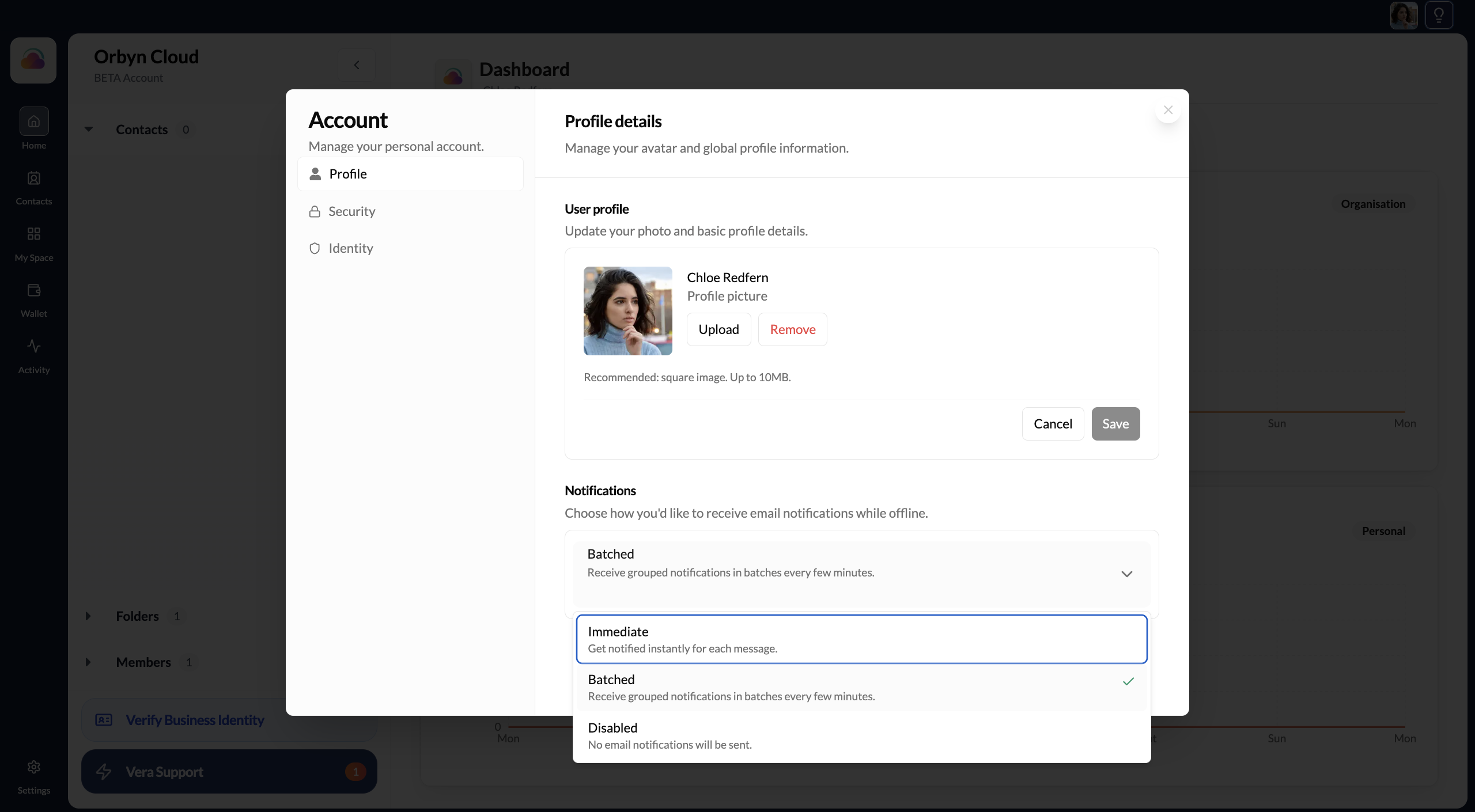
Available notification types
Messages Notifies you when a contact sends you a new message. Recommended: on. You won't miss important communications.
Connection requests Notifies you when someone accepts your invitation or when you receive a new invitation from someone else. Recommended: on.
Credential updates Notifies you when one of your credentials is about to expire or when a new credential has been issued to your wallet. Recommended: on.
Team member activity (organisation only) Notifies you when a team member joins, leaves, or changes their role. Recommended: on for Directors.
System updates Occasional emails from VERA about new features, changes to terms, or important account information. Recommended: on.
Notification channels
Notifications are currently delivered via:
- In-app — the bell icon in the sidebar shows unread notifications
- Email — sent to your registered email address
Push notifications (mobile browser or app) are on the roadmap.